Create your QR Code for Free
Generate custom QR Code solutions in seconds, share it with your audience, and instantly access your scan data
Join over 10,000,000 worldwide users








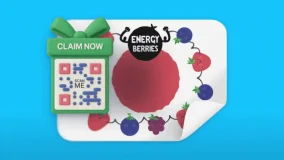

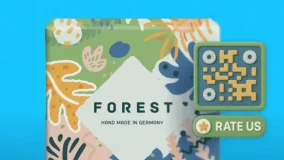

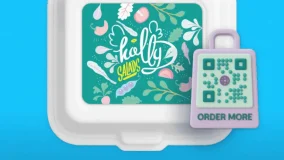

I’m new to QR Codes. What should I know?
Glad you asked! Here’s a few basics to get you started.
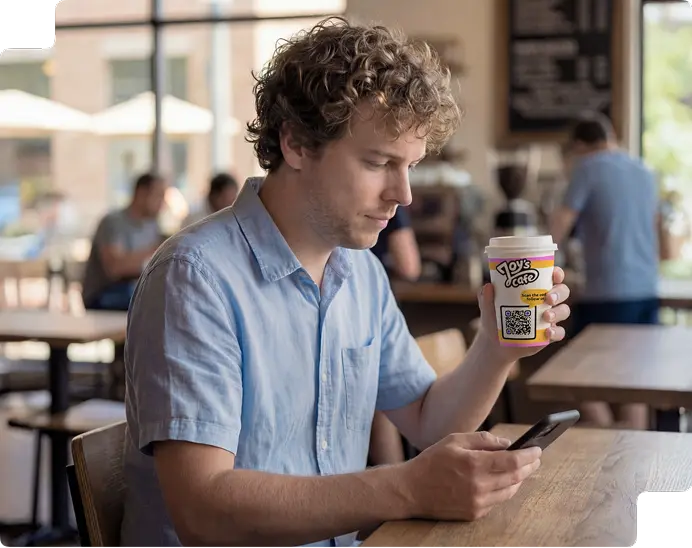

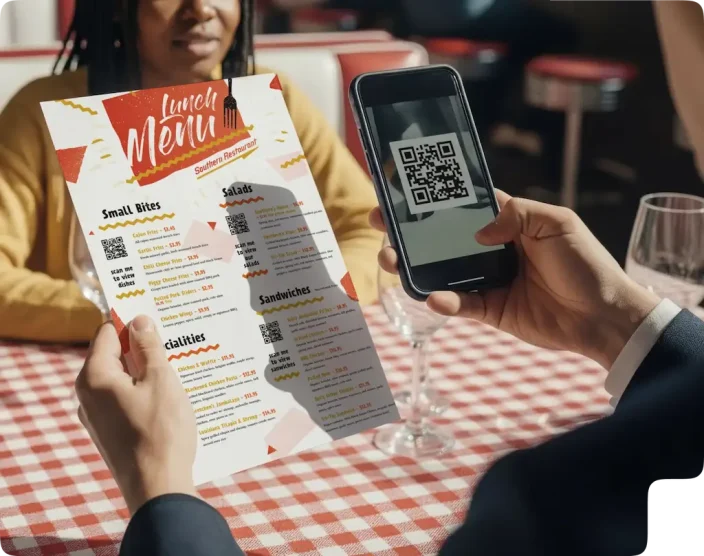
QR Code is a two-dimensional version of the barcode, typically made up of black and white pixel patterns. Denso Wave, a Japanese subsidiary of the Toyota supplier Denso, developed them for marking components in order to accelerate logistics processes for their automobile production. Now, it has found its way into mobile marketing with the widespread adoption of smartphones. “QR” stands for “Quick Response”, which refers to the instant access to the information hidden in the Code.
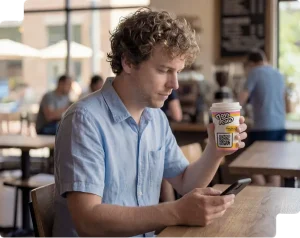
They are gaining popularity because of their versatility. You can use them to gather feedback to improve your products or services, increase customer engagement with images or videos, or even promote your business via events and coupons. All of these can be done with just a single scan!

Depending on your device, you might already have a built-in QR Code reader or scanner. Open the camera app on your mobile phone and hold it over a Code for a few seconds until a notification pops up. If this doesn’t happen, check your settings and see if QR Code scanning is enabled. Still not working? Don’t worry, all you have to do now is install third-party QR Code readers from your app stores.
Instantly make your materials better
Add editable and trackable QR Codes on anything you want with full branding and customization features.

How do I create a free QR Code?
We’ll show you how in just three simple steps
1
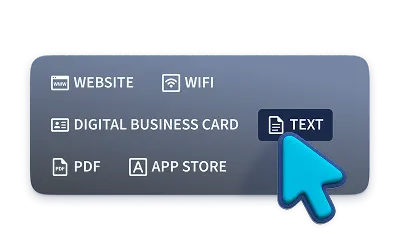
Select which type
You may choose from URL, vCard, Plain Text, Email, SMS, Twitter, WiFi, and Bitcoin. However, these free QR Codes are not editable and trackable.
2
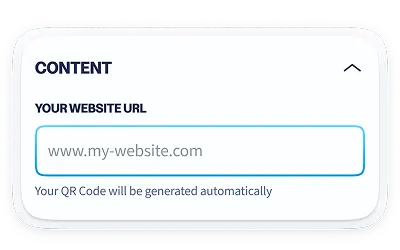
Fill in the details
Enter all the information needed in the fields that appear. This could be a link, contact information, text or any other type of info. Once you’re done, select “Generate.”
3
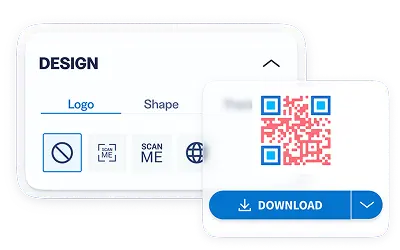
Download the QR Code
You may choose to have a standard black and white design or choose colors and frames to help you attract more scans. If not, proceed to download your finished Code.
Unlock more cool QR Code features
Add your logo in the center of your QR Code, create multiple QR Codes at once, collaborate with your team, and much more.

URL SHORTENER • QR CODES • ANALYTICS
QRCG is a part of Bitly, the leading marketing platform for link and QR Code management. Create branded links and QR Codes, track every click and scan, and get clear cross-channel analytics to see what’s driving results.


URL Shortener
Create polished, branded short links for every campaign you run.
- AI-powered link creation
- Custom domains and back-halves
- URL redirects
- Bulk link shortening
QR Codes
Generate dynamic, custom QR Codes you can update anytime.
- Customizable colors, patterns, and logos
- Dynamic QR Codes
- PNG/JPEG/SVG downloads
- Bulk QR Code creation

Analytics
See what’s working across your links and QR Codes, simply and clearly.
- Geography, referrer, and device tracking
- Cross-channel analytics dashboards
- AI-powered analytics and insights
- Campaign performance and UTMs
What type of QR Codes can I create for free?
We offer these Static QR Codes that are completely for free and will never expire. Once generated, it’s yours forever but you will not be able to edit the content or track its scans.
 Website
Use this type to open a link to a webpage, contact form, or Youtube.
 vCard
vCard
Use this type to create a digital business card with save to phone feature.
 Plain text
Use this type to display text in any language, of up to 300 characters.
 SMS
SMS
Use this type to send a predefined text message to any phone number.
 Email
Email
Use this type to send an email with the subject and message to any email address.
 WIFI
WIFI
Use this type to connect to a WiFi network without typing the password.
 Twitter
Use this type to post a tweet, complete with a link and hashtags.
 Bitcoin
Use this type to request crypto payments from major cryptocurrencies.
Frequently asked questions (FAQs)
Basics
It is a niche tool that is used to generate different types of QR Codes. Depending on your purpose, you can use our generator to create QR Codes to open a website, view a PDF file, listen to music, watch Youtube videos, store image files, connect to a WiFi network, and much more. Explore the different QR Code types here.
All of our Static QR Codes are free. This includes URL, vCard, Plain text, Email, SMS, Twitter, WiFi, and Bitcoin. Once created, they are yours forever. The only drawback with these types is that you won’t be able to edit the content, so be sure to always test and make sure they work before printing.
Absolutely!
QR Codes are so versatile, they are able to store a variety of information depending on your needs. It can store a URL to make it easier for you to open a page on the web with just a scan. It can also store contact details so that you don’t have to manually type the name, phone number, and email address to save it to your phone. But of course, this is just the tip of the iceberg; you can view more use cases of QR Codes for business here.
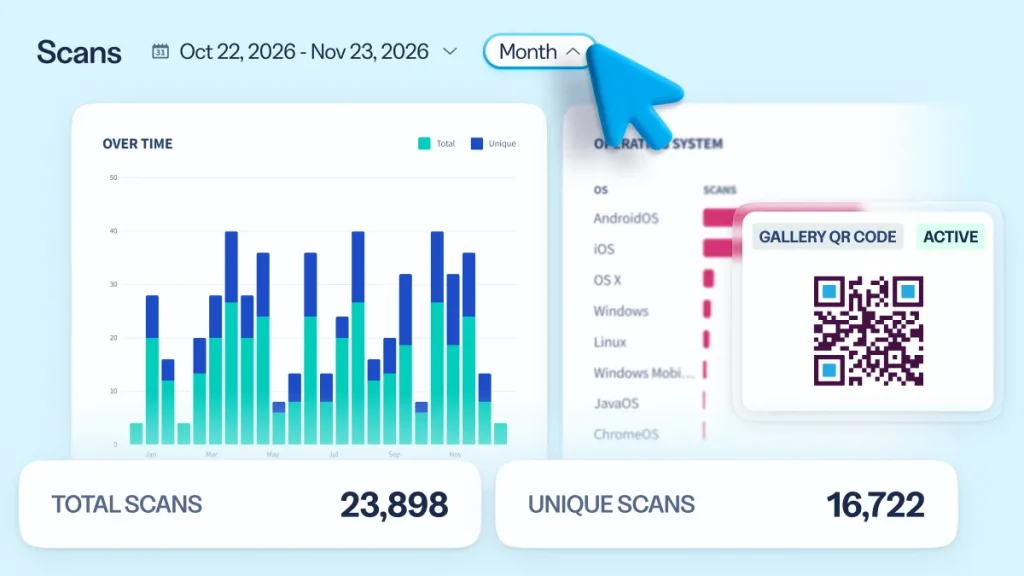
Yes, it is possible with our PRO version. You can track the number of scans, where, and when it was scanned. You can even see which operating system your audience uses on their devices! All of these are important metrics for you to measure your campaigns and use it to improve or even expand.
Static QR Codes are valid for as long as you want and will never expire. The only instance where the Code might “expire” is when the link is changed or deleted, rendering it unscannable. We encourage you to create Dynamic Codes so that you have total control as the content or links are replaceable no matter what happens. Plus, it has plenty of other advantages for your campaigns!
Once generated, a Static Code cannot be edited and its scans cannot be tracked. Dynamic Code, on the other hand, is very flexible and is virtually indestructible. You can update its content, change/add links, and fix typos; even after print. You can also track the number of scans, including where and when.
After signing up, you will have the chance to try all the features of our generator free for 14 days. There, you can create Static and Dynamic QR Codes, design with colors and logos, choose frames, save designs as templates, edit the short URLs, set up your own domain, add team members, and many other exciting features.
Creating & Designing
Yes. This is because they have 40 different versions with four error correction levels and eight masking possibilities. This means there are 1280 possible QR Codes for any given input. However, for marketing purposes, only versions 1-7 are used so our generator will typically choose the best version based on the amount of data stored and the best mask to produce a better image in terms of readability.
Definitely! Account signup to our PRO version is required to unlock this feature, but you are welcomed to try all the features free for 14 days!
Not at all. You can use your brand or company colors, or whatever color you like. There are 16,777,216 colors using #RRGGBB notation so feel free to play around with the color picker!
Absolutely! You can change the content, replace a link, fix a typo—all of these can be done after print. This means you don’t have to reprint a new QR Code every time you change its content (unless you’re changing the design). However, this feature is only available with our PRO version.
Use our API, which you can integrate directly into your existing system. You can create either the standard black and white Codes or full customization with colors and designs. Still not sure? Contact us.
Scanning & Printing
You can download them in high-resolution JPG format. To download in PNG, SVG, or even EPS, account signup is required. Please take note that if you require the QR Code image in EPS format, we only offer them in black and white without any designs.
You need to know the right size, the right contrasting colors, and always test it before printing. We’ve compiled a printing guide to help you launch the best marketing campaign and to avoid costly errors.
If you’re using an iOS device, just open the camera app and hold it over a QR Code until a notification pops up. Same for Android or other mobile devices, except that if nothing happened, you may want to check your settings and see if QR Code scanning is enabled. Otherwise, search for a reliable QR Code reader in your app store, most of them are free!
Yes! For most iOS and Android users, a QR Code scanner is already built into the native camera app. Simply open the camera app and hold it over any Codes until a notification pops up. You don’t even have to press any button to scan the Codes.
No, they do not have a scan limit.
This could be a number of reasons. Your QR Code may not be detected by a scanner because it’s blurry or there isn’t enough contrast between the Code and the background. A simple rule to remember is to make sure the foreground is always darker than the background. Follow our tips before printing for the best possible result.
If you’re using an Apple iPhone, simply open the camera app and hold it over a Code until a notification pops up. If you’re using an Android smartphone, you may use the same method. If it didn’t work, go to your settings and check if the QR Code scanning feature is enabled. Otherwise, you may simply install a third-party QR Code scanner from your app store as most of them are free!
If you are printing on small to medium-sized merchandise (ex: business cards or flyers), your Codes should be at least 2 x 2 cm (around 0.8 x 0.8 in).
QR Code Generator
Your all-in-one QR Code marketing platform
Now you can fully customize your QR Codes with your brand colors and company logo, get scan statistics, and even edit the content after print.



