QR Codes in Healthcare
In healthcare, balancing efficiency and data security is key to delivering great patient care. QR Codes simplify tasks like booking appointments and sharing sensitive information, freeing up more time for what matters most—your patients.
Meet Dr. Webber’s dental clinic
Dr. Andrew Webber isn’t actually the owner of a real dental clinic in LA, but for the sake of this exercise, let’s imagine he is. His fictional clinic is open to demonstrate how Quick Response (QR) Codes can modernize healthcare practices.
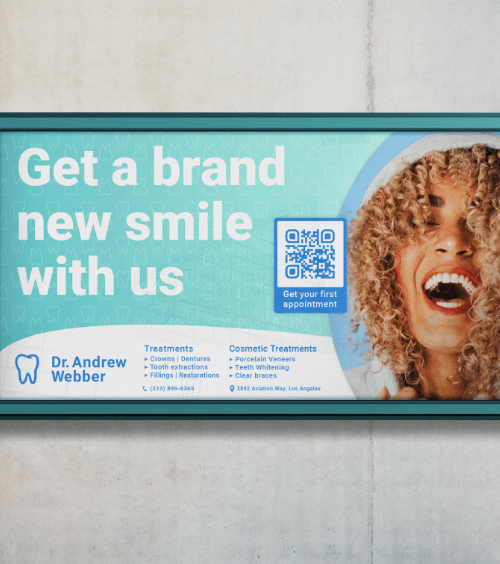
Using QR Codes at your healthcare facility means you can focus on enhancing patient care and supporting your staff. Dr. Webber’s uses QR Codes to attract more patients, streamline medical records, and simplify booking appointments and treatments.
Let’s explore some creative ways QR Codes can bring value to your clinic, hospital, or health center.
Market and grow your practice
Updating your approach to marketing and technology is crucial to staying competitive. This shift can improve care quality and patient choice, helping you retain happy patients long term!
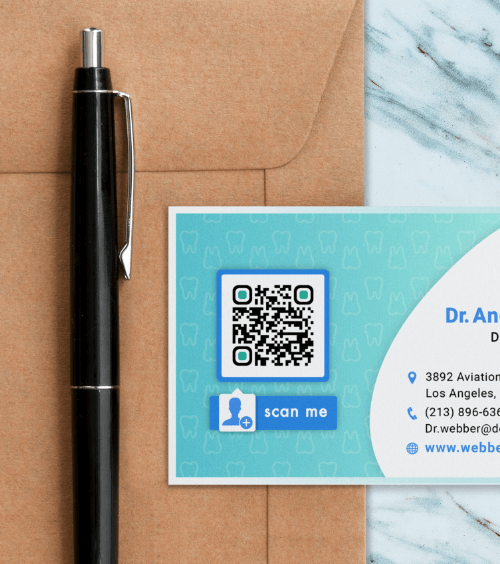
You can print a Social Media QR Code on business cards or brochures to help patients easily connect with your practice online. A quick scan allows them to follow your social media pages, stay informed on healthcare tips, or book appointments—all without searching manually.
Network with other healthcare professionals
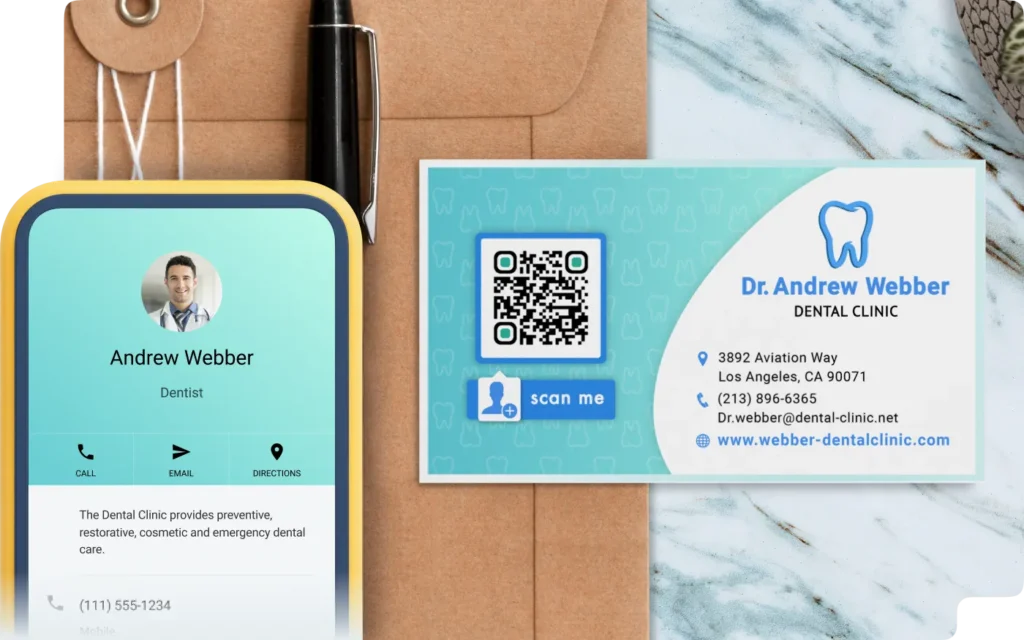
When you meet someone new from the healthcare industry, you need a quick way to share contact information. At conferences or networking events, you could display a vCard QR Code on your name badge—a vCard is a digital business card that makes it easy to share and save information.
This allows other healthcare professionals to scan your code with their phones, instantly storing your phone number, email, business address, and social media profiles without needing traditional business cards. It’s a simple, reliable way to ensure you stay connected without your information getting lost or discarded.
Help patients find answers quickly
Rather than sending patients to a cluttered website, a Business Page QR Code directs them to a clean, organized landing page with important details like specialist hours, contact info, insurance policies, or pre-appointment instructions. Displaying the QR Code on your building or in waiting areas provides instant access to what they need—without consuming valuable staff time.
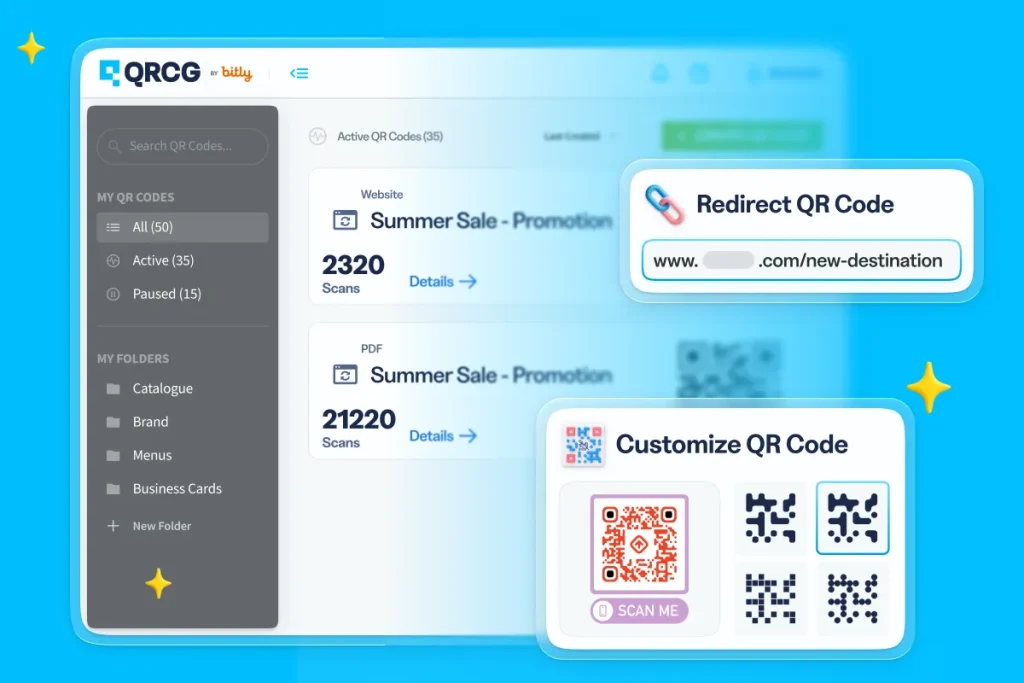
Create, manage, and track all your QR Codes.
Design beautiful QR Codes your way. Add your own color, logo, and frame.
Improve your services
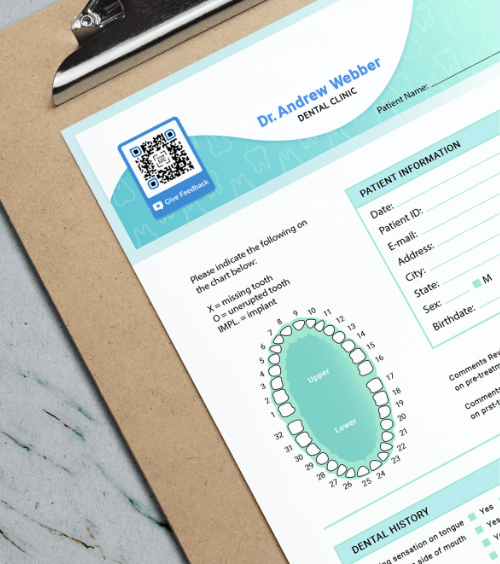
Collecting feedback is often overlooked in a clinic’s day-to-day operations, but it’s a vital part of patient engagement and enhancing patient care. By adding a Feedback QR Code to intake forms, business cards, and waiting room literature, patients can complete surveys at their convenience. Their responses are sent directly to your email, providing valuable insights that help you continuously improve the care and experience you provide.
Provide educational videos
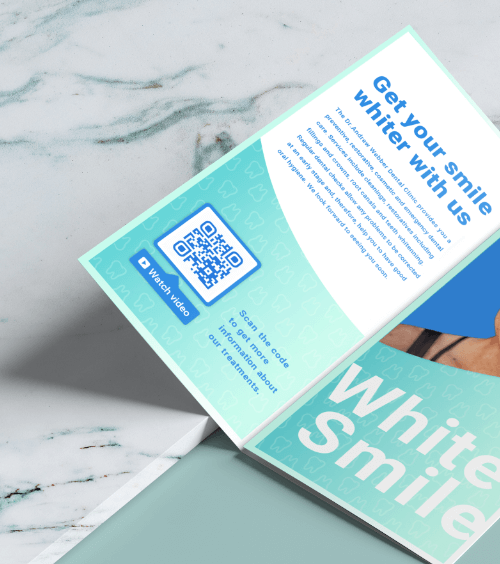
Sharing information through Video QR Codes helps patients and caregivers better understand medical instructions, prepare for procedures, or manage care at home. Video content helps clarify non-urgent questions or concerns and is easier for patients to remember. Plus, you can update these videos anytime without reprinting the QR Code—keeping information relevant and easily accessible for your patients.
Simplify appointment check-in
A Google Form QR Code allows patients to complete important forms—like medical history and insurance details—before their visit, reducing delays. Once they arrive, staff can focus on delivering great patient care, not paperwork. QR Codes can make check-ins faster and easier, helping your patients and staff.
Access patient records
Managing patient data is one of the biggest administrative challenges for healthcare organizations, especially when easy access to medical information is crucial for providing timely care.
Dynamic URL QR Codes offer a secure and efficient solution for managing patient data. Each code can link to vital information, such as medical details and contact information. For example, placing a QR Code on a hospital wristband allows caregivers to scan and instantly access vital medical records.
Share medical equipment use guidelines
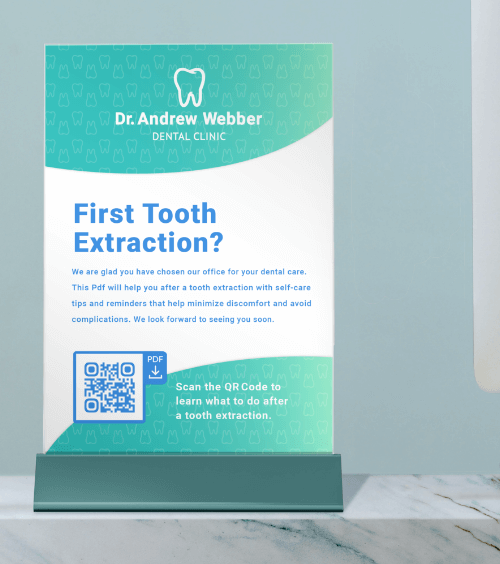
Whether you work in a hospital setting or a small clinic, healthcare professionals rely on a vast range of medical equipment. To prevent errors, use a PDF QR Code to instantly share instruction manuals, safety warnings, and user guides. Caregivers can simply scan the code on equipment labels with their mobile devices—no delays, physical manuals, or extra tools required.
Worry-free, mistake-proof
Integrate the use of QR Codes in the early planning stage and only add the contents when you’re ready to go live, even after print.
Perfect resolution, every time
Your QR Codes stay in high resolution no matter what they’re printed on. Download in JPG, PNG, SVG, or EPS.
Stay organized effortlessly
Label your QR Codes and create folders to keep them nice and tidy so you can focus on performance.
Collaborate securely online
Add team members to your account and take full control over what they can see or do—complete with their own logins.
Make a great first impression
Customize the short URL or stand out from your competitors and use your own domain to foster brand loyalty.
Stay on top of everything
Add campaign info so you know when the campaign starts, which medium it’s on, and how many copies are printed.