How to Use QR Codes for Recruiting to Fill Roles Faster
When you build your team, you need fast ways to get open roles in front of job seekers. QR Codes for recruiting do exactly that, turning real-world touchpoints like posters, business cards, and job fair signage into instant links to your listings and applications. Scan volume keeps climbing, and QR Codes are widely used across marketing and hiring alike.
This guide covers four ways to use QR Codes across your hiring process, the QR Code types that fit each one, and how to create one for free. We mention specific brands throughout for illustration only, not as endorsements.
Key takeaways
- QR Codes shorten the path from touchpoint to application, turning posters, business cards, and job fair signage into instant links to your roles.
- Dynamic QR Codes let you edit the destination after printing, so you can update a job listing or application link without reprinting anything.
- Match the QR Code type to the goal: Use a URL Code for a careers page, a Google Form Code for applications, and a vCard Code for recruiter contact details.
- Scan tracking shows what works, revealing where and when candidates engage so you can focus your recruiting spend.
- You can create a recruiting QR Code for free in three steps: Choose the type, add your destination, and download the code.
1. Avoid putting pressure on job fair attendees
Job fairs move fast, and a crowded booth can overwhelm attendees. Long lines form, several recruiters compete for attention, and a candidate who just wants to learn about your company can feel put on the spot. A drawn-out conversation at the table often reads as pressure when someone is still deciding whether they fit your roles.
A QR Code takes that pressure off. Candidates scan with their phone camera and pull up your company info and open listings on their own time, with no cornering required. They can read at their own pace, save the link, and reach out when they are ready. That matters when around 70% of Americans prefer in-person job interviews to virtual ones: Give people a low-stakes first touch, and they are more likely to follow through to an application.
As you plan your job fair table setup, add a QR Code to the materials candidates already look at: Table signage, recruiter name badges, and printed one-pagers. Think about what to bring to a career fair as a recruiter, and make the code easy to spot on each item. Print it on your recruitment business cards, too, so candidates can revisit your roles after the event ends. See our article on how to put QR Codes on business cards for information on the right size and placement. You can also link a LinkedIn QR Code so that candidates can connect with your company page or a recruiter profile with every scan.
2. Provide easy access to company-owned job boards
Point candidates to your own job board instead of a crowded third-party platform. Your roles face less competition there, so a scan is more likely to lead to an application than a listing buried among hundreds of others. You also keep applicants engaged with your brand experience from the first click, reinforcing your culture before they even apply.
Place a QR Code that links to your job board on the materials your team already uses every day:
- HR business cards
- Billboards
- Email signatures
- Office posters
- Print ads
Each placement turns a passive impression into an active path to your roles. Use a Static URL QR Code when the destination will not change, or a Business QR Code to route candidates to a branded page that showcases your company. Both approaches connect offline placements to your listings and support lead generation with QR Codes as your candidate pipeline grows over time.
3. Create an easy-to-access QR Code job application
Meet candidates where they already are: On their phones. When roughly two-thirds of job applications come from mobile devices, a scannable application removes the friction of typing a long URL or hunting for the right page. The easier you make it to apply, the fewer interested candidates you lose between the touchpoint and the form.
Link your QR Code straight to the application. Use a Dynamic URL QR Code to point at an applicant tracking system or careers page, or a Google Form QR Code to open a form directly on the candidate’s phone. Both options put the application one scan away.
Pick your type based on whether the link will change. A Static QR Code is free and permanent, but you cannot edit or track it after printing. A Dynamic QR Code lets you update the application link and see scan data long after the material is in candidates’ hands. Choose Dynamic QR Codes when a listing might close, move, or need a new form partway through your campaign.
4. Allow potential candidates to schedule their interviews
Give candidates a fast way to book time with you. A QR Code that links to a scheduling tool like Calendly lets a candidate pick an interview slot in seconds, with no email back-and-forth to coordinate. Add your code to your follow-up materials or send it after a first conversation, and you can move a promising candidate to the next stage before their interest cools.
Speed also sets you apart. With the average time-to-hire increasing to 44 days, every day you save on scheduling helps you reach strong candidates before another employer does. A scannable calendar link keeps your process moving while others wait on replies.
Which QR Code types work best for recruiting
The right QR Code type depends on what you want a candidate to do after scanning.
| Recruiting goal | QR Code type | Why it fits |
|---|---|---|
| Send candidates to your careers page | Static URL or Dynamic URL QR Code | Links straight to open roles; the dynamic version can be edited after printing |
| Collect applications | Google Form QR Code | Opens an application form directly on a candidate’s phone |
| Share recruiter contact details | vCard QR Code | Saves a recruiter’s name, title, and contact info to a candidate’s device in one scan |
| Connect at events | LinkedIn QR Code | Links to a company page or recruiter profile for fast follow-up |
If you want more options, browse our full list of QR Code types to find a code that matches any recruiting goal.
How to create a recruiting QR Code in 3 steps
- Choose your QR Code type based on the goal, for example, a Dynamic URL Code for a job listing.
- Enter the destination URL or other information, such as your careers page address, application form address, or contact details, and the QR Code generates automatically.
- Customize with your brand colors and logo, test scan the code, then download it and add it to your recruiting materials.
If you need inspiration for step three, explore our article on QR Code design ideas for ways to make your code match your brand. Once you’ve made any changes, always retest how the code scans before printing.
Streamline your hiring with QR Codes for recruiting
Put these four tactics to work, and you turn offline recruiting touchpoints into trackable online applications: Ease the pressure at job fairs, route candidates to your own job board, make applying a single scan, and let people book interviews on the spot.
QR Code Generator takes it further with full customization, editable content after print, and real-time scan tracking, so you always know which materials and locations drive the most candidate interest.
Ready to start getting the most out of QR Codes in your recruiting? Sign up for QR Code Generator today.
Frequently asked questions
Are QR Codes good for recruiting?
Yes. QR Codes give recruiters a fast way to connect physical touchpoints like job fair signage, posters, business cards, and print ads to online job listings and applications. Candidates scan with their phone cameras and land on your content in seconds, reducing friction and helping you capture interest in the moment.
What type of QR Code should I use for a job posting?
Use a URL QR Code that links to your careers page or a specific listing. Choose a Dynamic URL QR Code if you want to update the destination after printing or track how many candidates scan it. A Static URL Code works if the link will never change.
How do I create a QR Code for recruiting for free?
Choose your QR Code type, enter your destination, such as a careers page or application form, then download the code. Free Static QR Codes never expire. To edit the content later or track scans, create a Dynamic QR Code with QR Code Generator PRO.
Can job seekers use QR Codes too?
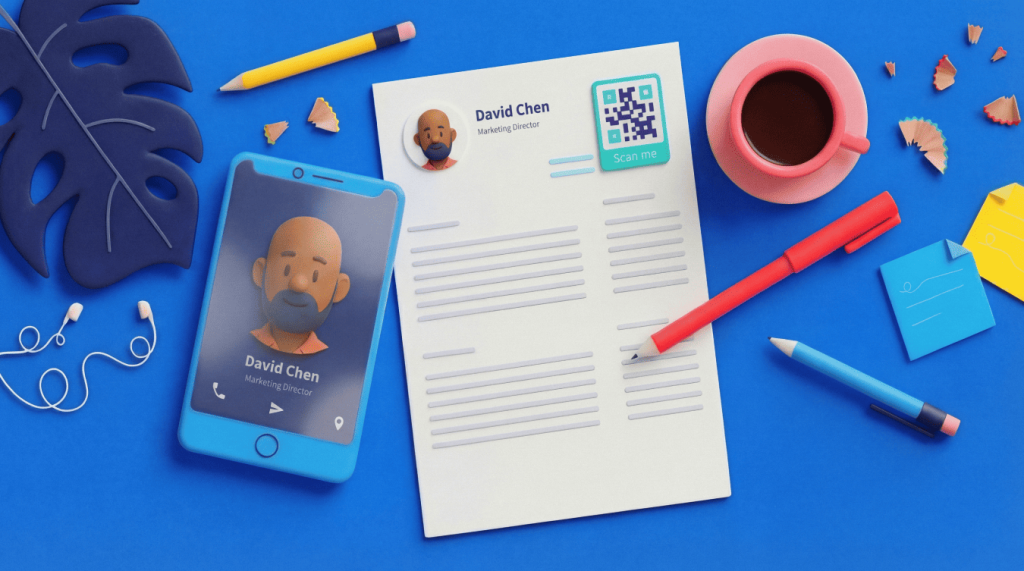
Yes. Candidates can add a QR Code to a resume that links to a portfolio, LinkedIn profile, or contact details. See how to use QR Codes on resumes for the candidate-side approach.
Can I track how many candidates scan my QR Code?
Yes, with a Dynamic QR Code. Scan tracking shows where, when, and how often people scan, so you can see which recruiting materials and locations drive the most interest and adjust your strategy.



QR Code Generator
Your all-in-one QR Code marketing platform
Now you can fully customize your QR Codes with your brand colors and company logo, get scan statistics, and even edit the content after print.