





QR Codes for Government

Implementing QR Codes for government purposes is beneficial, especially when it comes to ensuring a smooth and efficient service to the public. Get inspired so you can make use of these creative QR Code ideas for your organization or city.

Join over 10,000,000 worldwide users

Engel & Volkers logo
Elle logo
Monster logo
Benefit logo
Sky Media logo
Zalando logo

Meet Springfield City Council

Springfield City Council isn’t actually a real government organization but it could be your local city, state or federal government office. Incorporating QR Codes into your organization bridges the gap between the government and the public. Ready to take your public service to the next level? Check out these creative ways to use QR Codes and learn how you can do the same.
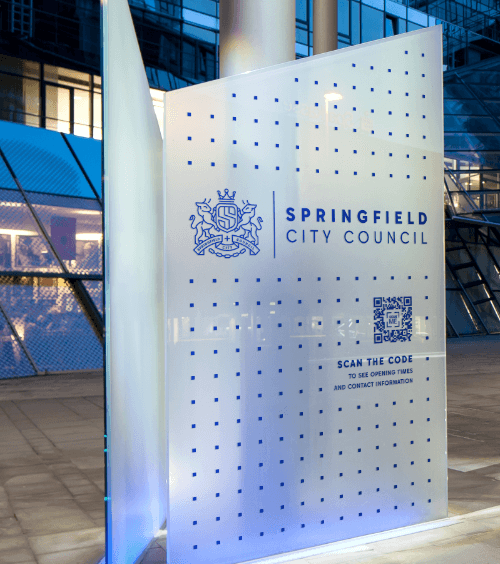
A logo of Springfield City Council, a fictional city created by QR Code Generator.

Business Page QR Code

Share public info easily

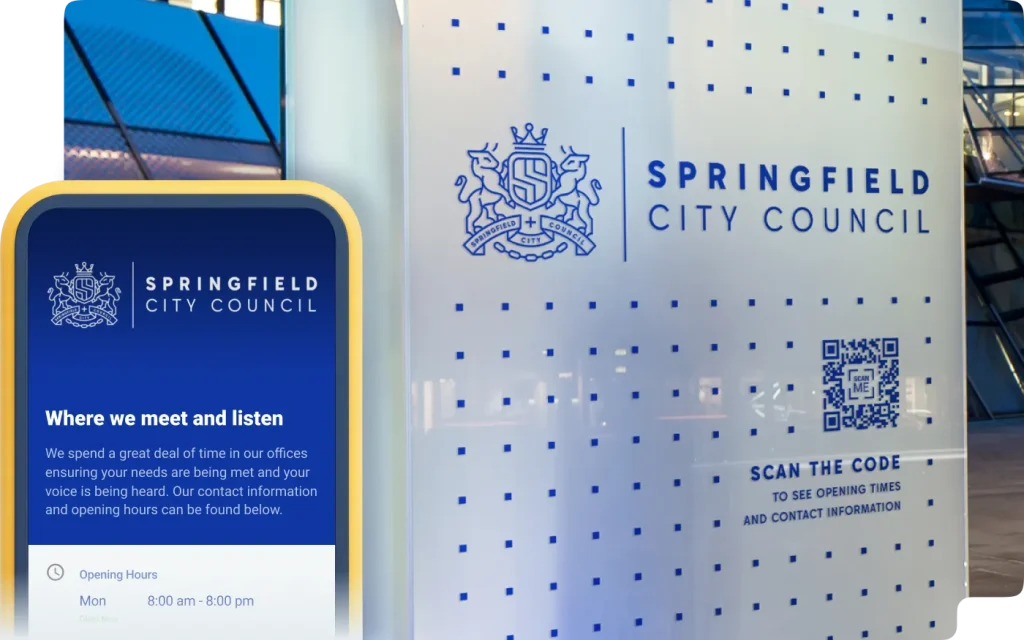
Provide important information to the public by placing a Business Page QR Code outside of your office building. You can display your office hours and contact details such as phone number, email, or even a link to schedule an appointment. This way, people would always have the information at hand even when it’s outside of operational hours.

A signage outside of a government office with a QR Code that contains business information when scanned.

vCard Plus QR Code

Digitize your networking opportunities

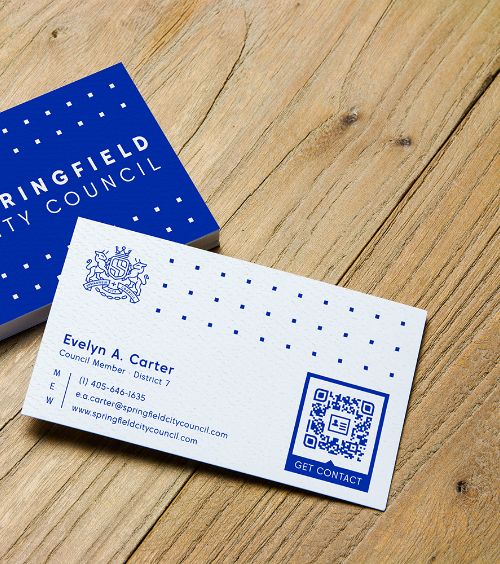
Government employees are always networking and setting up meetings. Make it easy for everyone to retain your contact details by adding the vCard Plus QR Code on your business cards. A quick scan will let contacts save your phone number, email address, LinkedIn page and more. If you run out of physical business cards, you can simply show the QR Code and they will still be able to save your information.

A business card of a city council member with a QR Code that contains contact details.

Feedback QR Code

Collect feedback via email

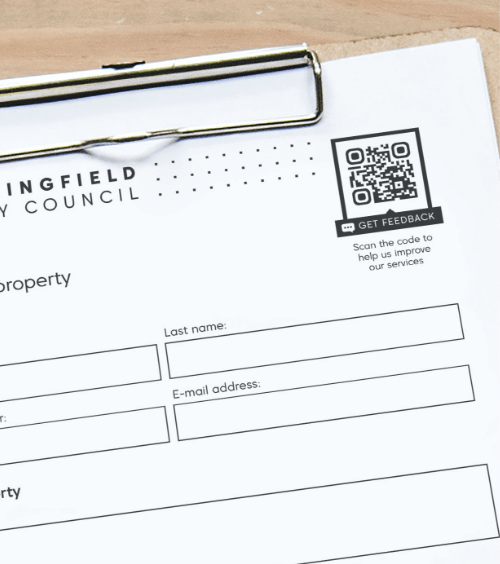
When collecting feedback and suggestions on a particular government policy or issue, include the Feedback QR Code on your forms so that people can take the survey on their own time and submit it to a designated email address. If you need to add or remove anything on your questionnaire, you can easily edit the online form any time without having to reprint a new QR Code. Providing a digital option might just increase your results as it’s easier than writing it manually.

An official government form with a QR Code that redirects users to a custom feedback form.

PDF QR Code

Help people be more prepared

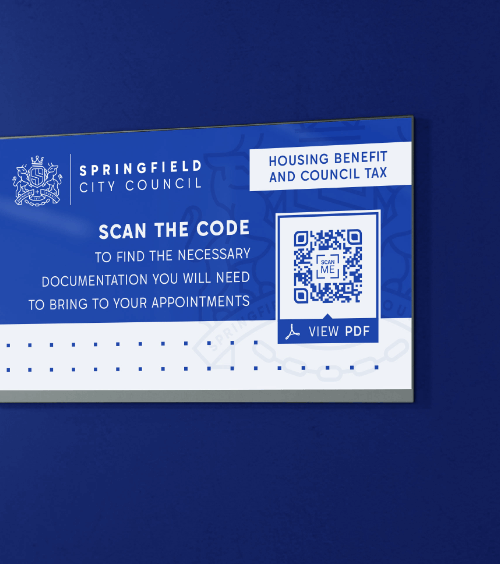
To avoid people showing up to their meetings unprepared, include a PDF QR Code on appointment cards or signs at the welcome desk. A simple document like this could help people be more aware of the necessary documentation they would need to bring in for their appointment. If the information on the PDF changes, you can always upload a new one any time without having to create a different QR Code.

A signage at a government office with a QR Code that contains a PDF file that lists important documents needed for appointments.

Video QR Code

Educate with videos

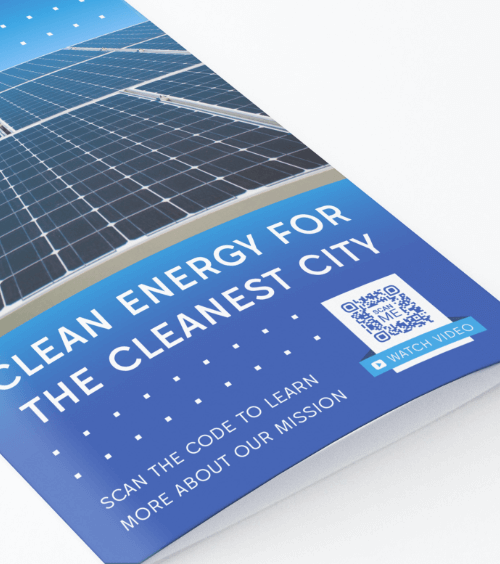
There is a lot of information that needs to be conveyed when discussing government issues and policies. Place the Video QR Code on brochures to help explain these issues better. Video QR Codes have the capacity to display multiple videos in a playlist so people can scan your customized QR Code and get all of the necessary video content on one page.

A promotional brochure from a city with a QR Code that redirects users to watch a video playlist about the city’s progress and developments.

Event QR Code

Highlight important events

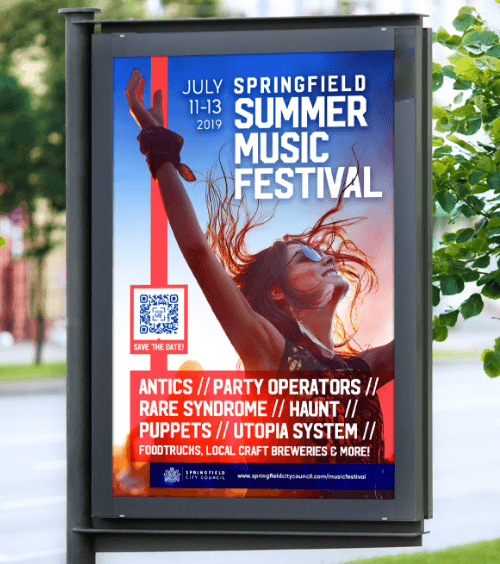
Important city and state events for the citizens should be promoted with the Event QR Code so that everyone can conveniently get details with a quick scan. You can easily customize Event QR Codes to include the date, time, address, contact person, event description, and more. Plus, guests have the option to save the event to their smartphone calendars so they won’t miss the event on the specified date and time.

An outdoor advertisement that promotes a city’s event with a QR Code that lets people view and save event details when scanned.

QR Code Generator

Your all-in-one QR Code marketing platform

Now you can fully customize your QR Codes by using your brand colors, add company logo, get scan statistics, and even edit the content after print.

Sample mobile and desktop QR code dashboard

Plus other benefits you’ll enjoy across QR Code Generator PRO

Error Free

Worry-free, mistake-proof

Integrate the use of QR Codes in the early planning stage and only add the contents when you’re ready to go live, even after print.

Perfect Resolution

Perfect resolution, every time

Your QR Codes stay in high resolution no matter what they’re printed on. Download in JPG, PNG, SVG, or EPS.

Stay organized effortlessly

Label your QR Codes and create folders to keep them nice and tidy so you can focus on performance.

Secure

Collaborate securely online

Add team members to your account and take full control over what they can see or do—complete with their own logins.

Customized URL

Make a great first impression

Customize the short URL or stand out from your competitors and use your own domain to foster brand loyalty.

OK!

Stay on top of everything

Add campaign info so you know when the campaign starts, which medium it’s on, and how many copies are printed.