How to Create a QR Code Landing Page: Step-by-Step Guide (2026)
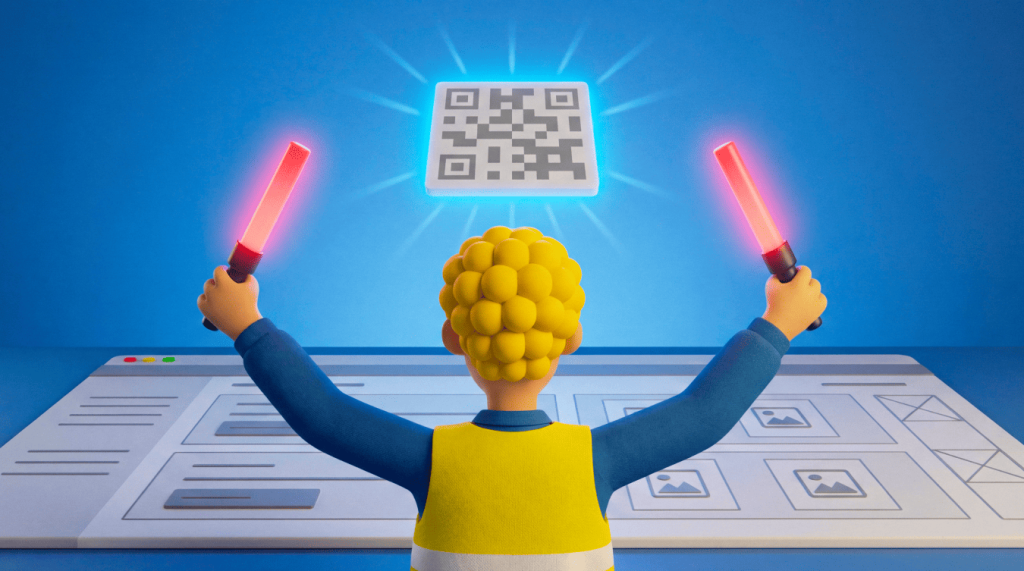
A QR Code landing page connects your offline marketing to a focused, mobile-optimized web page that any customer can reach with a single scan. Distribution is the hard part of any landing page; you need a fast way to move people from a poster, package, or flyer to the right URL. A QR Code closes that gap instantly and makes your QR Code marketing measurable from the very first scan.
Key Takeaways
- Connect your print and offline marketing to a mobile landing page via a QR Code, so audiences can reach your content with a single scan.
- Choose a Dynamic QR Code to edit your landing page after printing and track scans by location, time, and device.
- Design your landing page mobile-first, since most people browse on their phones and expect a fast, clean experience.
- Review your scan data often, then refine your landing page and campaign to lift results over time.
What is a QR Code landing page?
A QR Code landing page is a mobile-optimized web page that opens when someone scans a QR Code. It gives your offline audience a fast next step. It bridges print and digital, so a flyer, poster, or product package can lead straight to a live online destination.
Unlike a homepage, this page serves a single goal and asks for a single action, whether that means signing up, buying, or booking a call. You strip away the navigation and extra links, so every visitor focuses on the outcome you care about. That focus is exactly why a QR Code to a landing page flow converts better than sending scanners to a crowded homepage.
Think of the QR landing page as the digital front door to your campaign. The scan opens it, and the page does the rest.
Why you should create a QR Code landing page
A QR Code landing page gives you a measurable, branded bridge between your physical presence and your digital goals. It works because it meets people the moment their attention peaks, then guides them toward one clear action. Here is what you gain when you connect the two:
- Seamless offline-to-digital transitions: Move people from a printed asset straight to your page in a single scan.
- Streamlined lead generation: Capture contacts with lead magnets with QR Codes and gated offers.
- Enhanced engagement: Give your audience something to do the moment their interest peaks.
- Consistent branding: Carry your colors, logo, and voice from print through to the page.
- Web traffic data collection: Learn how visitors behave once they land on your page.
- QR Code analytics insights: See who scans, when they scan, and where they scan from.
- Improved conversion rates: Guide every visitor toward a single clear action rather than multiple competing ones.
How to create a QR Code landing page in 9 steps
To create a QR Code landing page, build a focused mobile page and generate a Dynamic QR Code that points to it. Then test that it tracks every scan. Follow these 9 steps to launch a page that converts.
1. Define your goal
Start by naming the single action you want each visitor to take. Your goal might be newsletter sign-ups, a limited-time promotion, or fresh sales leads. When you pick one clear outcome, every design choice on the page gets easier.
Write your goal at the top of your brief and measure every element against it. If a section does not move visitors toward that outcome, remove it.
2. Build the landing page
Build a mobile-optimized, responsive page because most people scan with a phone in hand. A mobile-first landing page needs a fast load time, thumb-friendly buttons, and short forms with minimal fields. Cut anything that slows the page or distracts from your goal.
Preview how it renders on small screens before you go live, and check that images resize cleanly. A page that loads in a second keeps impatient scanners from bouncing.
3. Write a compelling call to action
Write one clear call to action and give it room to stand out. Offer an incentive, place the button prominently, and lead with an action verb so people know exactly what happens next. Color research from the University of Southern California shows that a unique, high-contrast button color helps drive conversions, a phenomenon known as the Isolation Effect.
Keep the copy short, clear, and actionable. A button that reads “Get my free guide” beats a vague “Submit” every time, because it tells people what they’ll get. Resist adding a second call to action, since competing buttons split attention and lower your results.
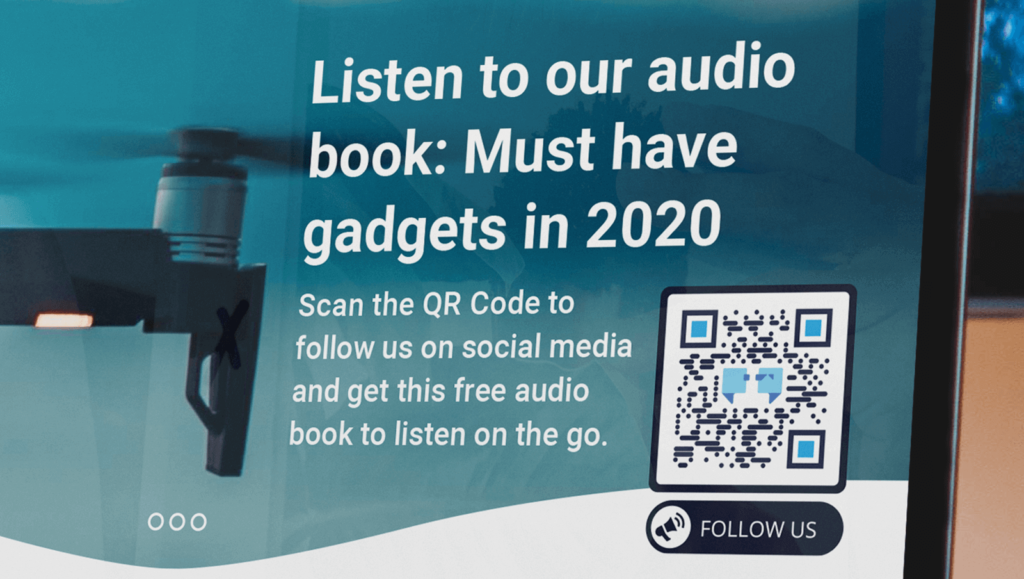
4. Write strong headings
Write short, clear headings that speak directly to your audience. Your main heading should tell visitors what they get and why it matters within a few seconds. Match the language to the people you most want to reach. Skip clever wordplay if it slows understanding, because clarity always wins on a landing page.
5. Follow your brand’s style guide
Align your copy, colors, fonts, and tone with your brand’s style guide. Consistent branding builds trust and makes the page feel like a natural extension of your print materials. Extend that branding to the QR Code itself with your colors, logo, and a custom frame.
Matching visuals across the poster and the page reassure visitors that they have reached the right place. That small reassurance keeps more people moving toward your goal. Our QR Code frame design guide walks you through the details.
6. Include social links
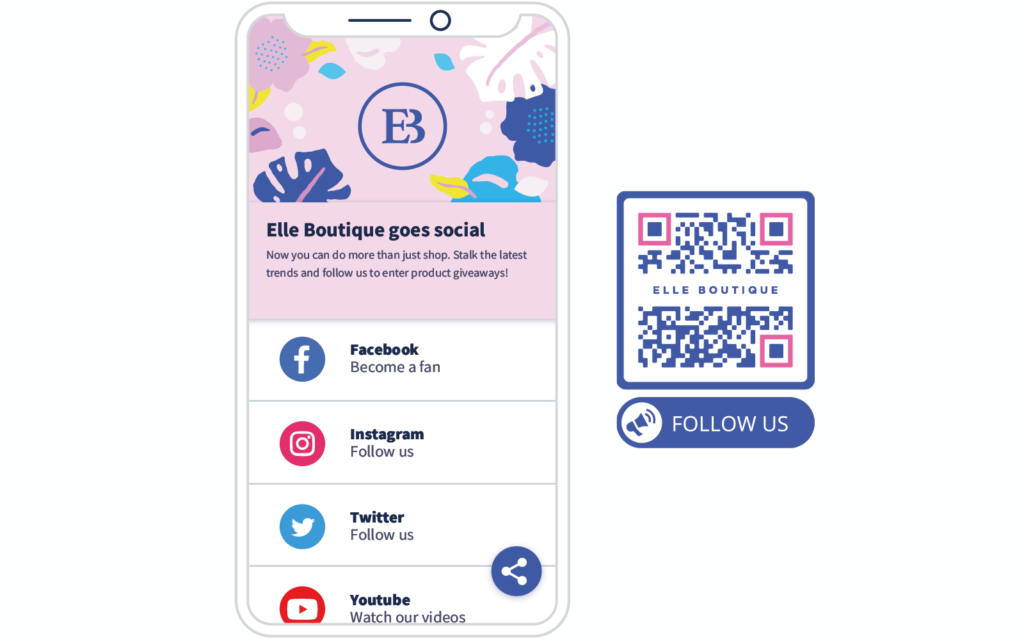
Add social links only for the platforms your audience actually uses. Too many icons pull focus from your main goal, so keep the list short and relevant. A Social Media QR Code can direct followers to all profiles with a single scan. Place these links below your primary call to action, so they support your goal rather than compete with it.
7. Generate the QR Code
Generate your QR Code with the “Website” option, enter your landing page URL, then customize the design. Choose a Dynamic URL QR Code so you can change the destination later without reprinting a single flyer. A Dynamic QR Code lets you edit the linked page anytime, and our QR Code editing guide shows you how.
Preview the finished code at the size you plan to print, so the pattern stays sharp and easy to scan. You cannot edit or track a Static QR Code once you generate it, so pick the Dynamic option when you expect your campaign to evolve.
8. Test the QR Code and landing page
Test your QR Code and landing page in real-world conditions before you print anything. Scan the code on different phones, at different distances, and under different lighting, then confirm that you exported it in the correct file format. Walk through the full journey yourself, from scan to conversion, and fix any step that feels slow or confusing. Our QR Code testing guide covers the checks that matter most.
9. Track performance
Track performance so you can see what works and improve over time. Scan data shows where your audience finds your code and how they respond, turning guesswork into decisions. A Dynamic QR Code reports rich scan data, including:
- Scans over time: Spot the peaks and slow periods across your campaign.
- Scans by location: Compare how cities, venues, or stores perform.
- Scans by device and operating system: Optimize the page for your real audience.
Dig deeper with our QR Code analytics guide, then keep refining your page. To lift results, form a hypothesis and test one change at a time before you measure the impact.
Change your headline this week, then your button color next week, and let the data tell you what worked. Only Dynamic QR Codes provide scan tracking, so choose one if data matters to you.
QR Code landing page examples
QR Code landing page examples span nearly every industry, from live events to retail shelves to real estate windows. Each one turns a physical touchpoint into a focused digital action. The pattern stays the same: a scan opens a single-purpose page that asks for one clear next step. Here are four QR Code landing page examples you can adapt today:
- Event sign-ups: A QR Code on a poster opens a landing page where attendees can register for a workshop or webinar. Visitors grab a spot in seconds, and you capture their details before the event even starts.
- Product packaging: A QR Code on the box opens a landing page with setup instructions, a how-to video, and a reorder button. Customers get help fast, and you earn repeat sales from the same scan.
- Retail promotions: An in-store QR Code opens a seasonal offer landing page with a single “Claim the discount” action. Shoppers redeem the deal on the spot, and you see which locations drive the most interest.
- Real estate listings: A window-display QR Code opens a property landing page with photos and a booking form. Passersby tour the home on their phone and schedule a viewing without waiting for office hours.
Notice the common thread across these examples: one audience, one page, and one action. When you maintain that discipline, your scans convert rather than simply count. Browse more ideas in our QR Code examples gallery to see how different industries put the format to work.
Improve your QR Code landing page with QRCG by Bitly
QRCG by Bitly gives you a focused, single-purpose QR Code experience built for landing pages, without the overwhelm of a full marketing suite. As part of the Bitly family, we do one job and do it well: Creating professional, branded QR Codes fast. You skip the learning curve and reach a finished code in minutes.
You get full design control, editable Dynamic QR Codes, and clear scan analytics in one clean workspace. Custom, branded QR Codes earn 3.8 times as many scans as plain black-and-white ones, so your design work pays off directly. Add your colors, drop in your logo, and choose a frame that matches your landing page in minutes.
Because your Dynamic QR Code is editable, you can point the same printed code to a new landing page whenever your campaign changes. You never reprint, and you never lose the scans you already earned. When you need to compare campaigns, the built-in analytics show you which codes drive the most action.
You also get the reliability that comes with a trusted, SOC 2-compliant brand. That means you can launch your campaign with confidence and keep your audience’s data protected. From your first scan to your hundredth edit, you work in a tool built to stay simple as your needs grow.
Start building your QR Code landing page today
A QR Code landing page turns offline attention into a measurable online action you can track and improve. Choose a Dynamic QR Code, and you can edit the destination and read every scan long after your materials go to print. That flexibility makes the QR Code landing page one of the simplest ways to connect print and digital. Follow the 9 steps above, keep your page focused on one goal, and let your scan data guide every improvement.
Sign up for QRCG to build your QR Code landing page and start tracking every scan today.
Frequently Asked Questions
What is a QR Code landing page?
A QR Code landing page is a mobile-optimized web page that opens when someone scans your QR Code. It gives your offline audience a fast, focused next step, like signing up, buying, or learning more. You connect a printed flyer, poster, or product to a single online destination.
How do you create a QR Code landing page?
Start by building a simple, mobile-friendly landing page with one clear goal and call to action. Then open QR Code Generator, choose your QR Code type, and enter your landing page URL. Add your brand colors, logo, and a frame, then download your QR Code in high resolution and place it on your print materials.
Can you change the landing page of a QR Code after printing?
Yes, but only with a Dynamic QR Code. Dynamic QR Codes let you edit the destination anytime, so your printed code can point to a new landing page without reprinting. Static QR Codes are free and never expire, yet you cannot edit or track them once you generate them.
Is a QR Code landing page free?
You can create a free Static QR Code that never expires. To link it to a landing page you can edit later, or to track scans, you need a Dynamic QR Code on a paid plan. Paid plans start with a 14-day free trial, so you can test every feature first.
How do you track scans on a QR Code landing page?
Use a Dynamic QR Code to track every scan in real time. QR Code Generator shows you scans by location, time, and device, so you can see what works and when. You can also connect analytics tools, such as Google Analytics, to your landing page to track clicks and conversions.




QR Code Generator
Your all-in-one QR Code marketing platform
Now you can fully customize your QR Codes with your brand colors and company logo, get scan statistics, and even edit the content after print.