






How to Use QR Codes on Resumes (+ Why You Should)
How Data Becomes a Scannable Code with QR Code Encoding
QR Codes, the ubiquitous scannable graphics format invented by Denso Wave in Japan, might look simple at first glance: Black and white squares on your packaging, in your print ads, and on your event signage. However, behind every single scan lies a precise QR Code encoding process that turns your text, your links, and your other data into completely machine-readable patterns.
You probably interact with QR Codes every single day without fully understanding exactly how they store data or why some codes scan so much more reliably than others. Understanding how QR Code encoding works will help you make much smarter decisions about your campaign design, your code reliability, your digital security, and your long-term use model.
This comprehensive guide will break down the entire QR Code encoding process in very clear, highly accessible language. We will explore everything from binary conversion and error correction to the structural layout and complex masking patterns QR Codes use; you do not need to be a software engineer to understand these encoding fundamentals. We will also clarify exactly how Static and Dynamic QR Codes differ in what they encode, showing you how to maintain long-term flexibility for your business. If you’re wondering, “How are QR Codes generated?” This article breaks it all down.
Note: The brands and examples discussed below were found during our online research for this article.
Key takeaways
- QR Code encoding follows a highly standardized technical process. It converts your content into binary data, applies structured error correction, and arranges everything perfectly inside a square matrix optimized for incredibly fast scanning.
- Your encoding efficiency depends entirely on three core variables: your selected encoding mode, your version size (ranging from 1 to 40), and your chosen error correction level.
- Unlike traditional barcodes, QR Codes actively store data both horizontally and vertically. This structure dramatically increases your total storage capacity and easily enables complex digital interactions.
- Built-in error correction protects your data fiercely. This redundancy enables responsible customization, such as placing your central logo, completely without compromising your overall scan reliability.
- Dynamic QR Codes encode a very short redirect link rather than your final content. This brilliant setup allows your business to update destinations and track your scans without ever reprinting your materials.
How QR Code encoding works
QR Code encoding meticulously follows internationally recognized standards. These strict standards ensure total consistency across thousands of different devices and scanners. While the background process remains highly technical, you can easily understand it through five simplified stages.
Step 1: Data analysis
First, the QR Code generator thoroughly analyzes your content to determine the most efficient encoding mode.
You have four primary encoding modes available:
- Numeric
- Alphanumeric
- Byte
- Kanji characters
Selecting the appropriate encoding mode directly impacts your code’s density, your overall storage efficiency, and the final physical size of your code. Highly efficient encoding almost always leads to much better scan performance and greater design flexibility for your marketing materials.
Step 2: Binary conversion
Once the generator selects the perfect encoding mode, it converts your content into binary. This means it turns your data into a long sequence of 1s and 0s. This crucial binary data forms the foundation of your QR Code’s distinct module pattern.
Step 3: Error correction (Reed-Solomon)
Next, the generator adds vital error correction data using the robust Reed-Solomon algorithm. This essential step strongly protects your code against accidental damage or physical distortion.
You can choose from four distinct error correction levels:
- L (7% damage resiliency)
- M (15% damage resiliency)
- Q (25% damage resiliency)
- H (30% damage resiliency)
A higher error correction level significantly increases your code’s resilience, but it also increases your code’s visual density. This built-in redundancy effectively keeps your QR Codes perfectly scannable even when they sustain partial damage in the real world.
Step 4: Module placement
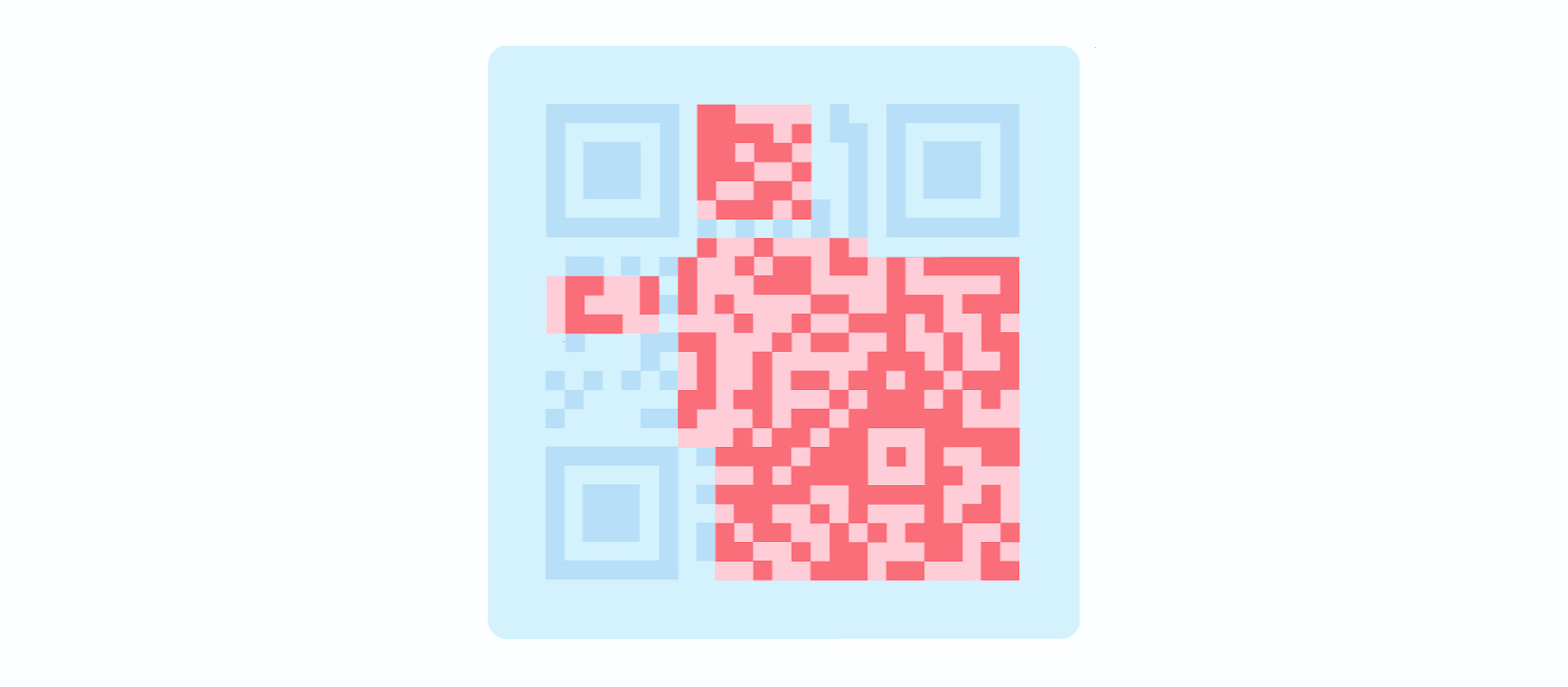
The generator then places your binary data and your error correction data bits directly into the QR Code’s data matrix using a highly specific zigzag pattern. It reserves certain areas of the grid for essential structural elements. These reserved elements ensure proper orientation and flawless decoding for the scanner. Module placement is carefully structured, not a random distribution.
Step 5: Masking
Finally, the generator applies distinct masking patterns to significantly improve your scanning reliability. Masking actively prevents massive clusters of identical modules from forming. Large identical clusters could easily interfere with overall readability. The generator automatically evaluates multiple mask options and intelligently selects the single pattern that produces the absolute best scanning performance.
The structural elements inside every QR Code
Your QR Codes consist of predefined structural components that enable accurate scanning.
Every standard code features:
- Finder Patterns: These are the small squares located at three corners of the QR Code. They allow the camera or scanner to locate the data modules and read the QR Code accurately.
- Alignment Patterns: Common for larger QR Codes, this element aids with orientation and angle detection to ensure accurate scanning even if something tilts or distorts the QR Code.
- Timing Patterns: These are the vertical and horizontal lines that run throughout the QR Code. They tell scanners the size of the data matrix.
- Format Information: Format patterns include information regarding error tolerance and data mask patterns, making it easier for scanners to read the QR Code.
- Version information: These sections specify the QR Code version. Out of a total of 40 different QR Code versions, versions 1-7 are the most common.
- Data and Error Correction Blocks: This is the actual data. QR Codes use error correction techniques to ensure that scanners can still read the code even if it’s damaged.
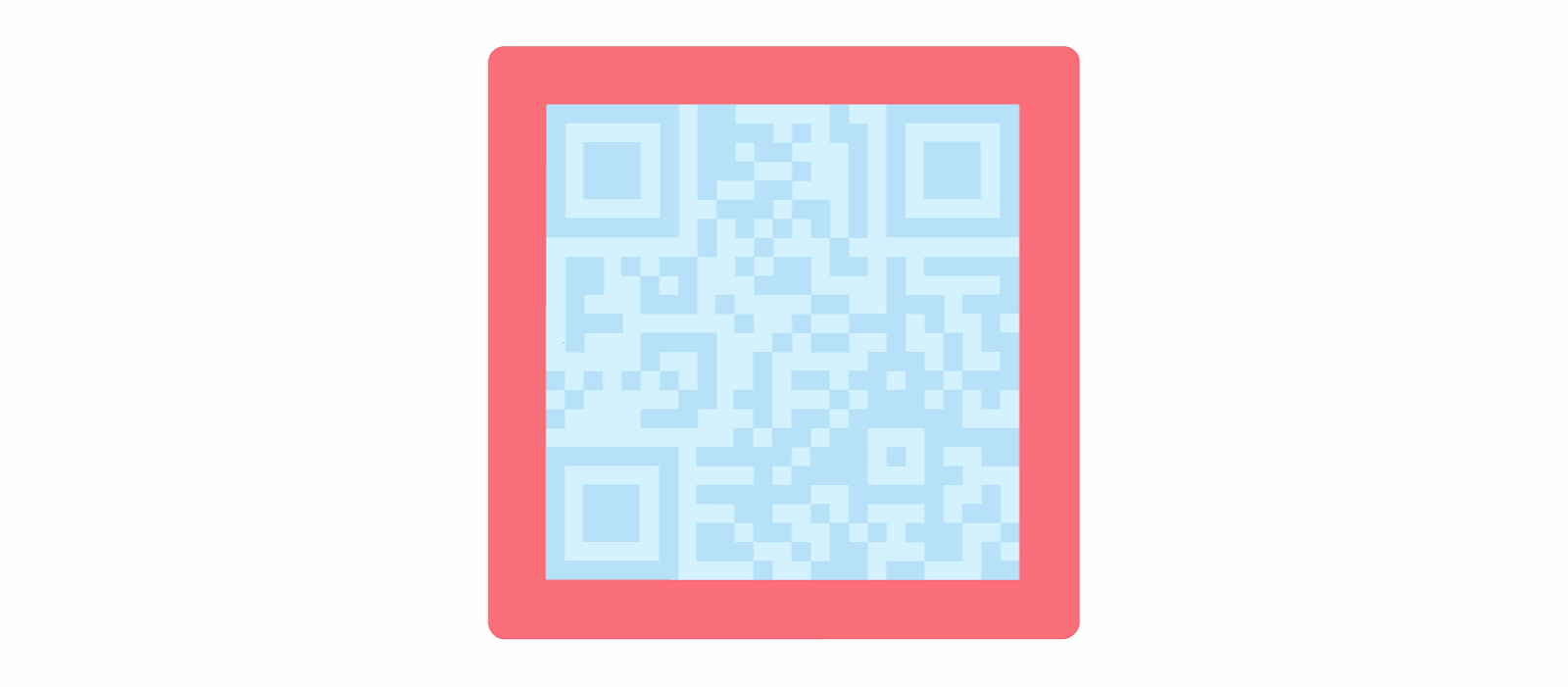
- Quiet Zone: This is the blank white area around the QR Code. It allows the QR Code reader to distinguish the code from its surrounding materials.
Each element serves a highly specific function. For instance, the quiet zone creates a clear white border at least four modules wide around the entire code. This border is critical for fast scanner recognition.
Together, these structural elements enable direct scanning from multiple angles and under highly imperfect lighting conditions. To compare these structural elements against older technology solutions, review our breakdown of QR Codes vs barcodes.
Modern examples of what QR Codes can encode today
While QR Codes easily store technical data types like URLs, text strings, and binary data, businesses care most about how they apply that encoded data in real-world workflows. Today, QR Codes boldly power far more than just simple website redirects.
Marketing and digital engagement
In modern marketing, QR Codes seamlessly encode important data for:
- Multi-link landing pages.
- Campaign-specific URLs.
- Product launches.
- Interactive promotions.
- Social media aggregators.
Dynamic QR Codes allow you to change your campaign URLs instantly without ever regenerating QR Codes or reprinting your expensive physical materials. Furthermore, you gain access to vital analytics features. You can clearly see scan locations, device types, breakdowns of unique versus total scans, and precise time-based trends. These deep insights are absolutely critical for your ongoing performance measurement.
Payments and transactions
For seamless transactions, QR Codes can securely encode:
- Payment links.
- Point-of-sale checkout flows.
- Invoice payment pages.
- Peer-to-peer payment requests.
The encoded content typically redirects the user directly to secure payment gateways rather than storing the raw financial data within the code itself. This setup helps maintain air-tight security.
Authentication and access control
For security and access, QR Codes reliably encode:
- Secure login links.
- Event tickets with unique identifiers.
- Membership validation codes.
- Digital ID credentials.
- Temporary access passes.
Providing individual QR passes drastically improves your venue’s verification workflows. This robust individual encoding also strongly supports massive fraud prevention efforts across your entire organization.
File sharing and document delivery
To distribute information instantly, QR Codes encode links to:
- Downloadable PDFs.
- Product manuals.
- Warranty documents.
- Whitepapers.
- Media kits.
Dynamic QR Codes give you the power to roll out unlimited document updates without ever reprinting your product packaging.
Connected physical products
QR Codes encode links that actively support:
- Product traceability.
- Ingredient transparency.
- Sustainability reports.
- Instructional videos.
- Post-purchase onboarding.
These codes are the ultimate bridges securely connecting your physical products directly to your rich digital ecosystems.
Emerging and immersive experiences
Emerging uses for integrated QR Codes include:
- Augmented reality experiences.
- Virtual events.
- Metaverse-style digital activations.
- App deep links.
- Loyalty programs.
If you want to explore the latest applications for this technology, check out our insights on the QR Code metaverse.
QR Codes vs barcodes: Encoding differences
Traditional barcodes encode their data strictly in one horizontal dimension. Conversely, QR Codes encode their data brilliantly in a two-dimensional format.

This massive structural difference directly impacts several key areas:
- Data capacity.
- Scanning flexibility.
- Smartphone compatibility.
- Customization potential.
Traditional barcodes typically only store basic product identifiers. QR Codes easily store these same identifiers, but they also link your users instantly to dynamic digital content. Traditional barcodes are foundational tools, but they remain highly limited by the bounds of an older technological paradigm.
To see how QR Codes compare to other 2D options, check our guide on Data Matrix vs QR Codes.
How Dynamic QR Codes change the encoding equation
It’s important to understand the difference between Static and Dynamic QR Codes. Static QR Codes permanently embed your actual data directly into the complex pixel pattern. You cannot edit this data after you finalize the creation process. Furthermore, these static codes offer zero scan analytics.
Dynamic QR Codes take a totally different approach. They encode a very short redirect URL instead of your complete final destination content. This mechanism means your final destination remains editable by editing the destination of the redirect URL. Dynamic QR Codes also enable robust scan tracking and support long-term campaign flexibility.
Dynamic QR Codes do not change the underlying encoding structure itself. They simply change what specific data the generator encodes into the matrix. We highly recommend Dynamic QR Codes for low- to medium-volume use cases that require editing control, strong branding consistency, and deep performance visibility over time.
Best practices for reliable QR Code encoding
You want your QR Codes to scan perfectly every single time. Follow these actionable instructions to guarantee reliability.
Always select the appropriate error correction level. If you plan to use QR Codes in a dirty or dangerous environment, it’s best to use a higher error correction level. You must also prioritize strong color contrast. You’ll get the best results with a dark code placed cleanly over a light background.
Always preserve the quiet zone around the code’s edges. Also, if you encode excessive amounts of data into a static code, you will drastically increase the data density, which severely reduces scan reliability at small print sizes. Always perform rigorous testing before you finalize any publishing or printing.
When you prepare for professional printing, use vector formats like SVG, EPS, or PDF. Your expected scan distance should heavily influence your physical sizing decisions, with the general rule being 1 inch of QR Code for each foot of distance between the code and the scanner. Don’t be afraid to customize your codes with your logo, branded colors, or custom call-to-action frame text. Error correction exists to allow easy integration of these options, but you must always maintain a careful balance between visibility and scanability.
Encoding is the foundation of every great scan
QR Code encoding transforms your everyday content into a highly structured, incredibly reliable bridge between the physical and digital worlds. Understanding these encoding fundamentals helps you make smarter decisions regarding your campaign design, your codes’ material durability, and your long-term flexibility.
QR Code Generator acts as a highly reliable, incredibly user-friendly solution for creating professionally encoded Static and Dynamic QR Codes.
Ready to launch your next campaign? Get started with QR Code Generator now and create your perfectly encoded QR Code today.
FAQs
What is QR Code encoding?
QR Code encoding is the highly standardized process of converting text, URLs, or other types of data into a binary format and perfectly arranging it into a structured matrix, complete with error correction. This precise process ensures your codes scan consistently across all modern devices, including iOS and Android phones.
How much data can a QR Code store?
A QR Code can reliably store a significant amount of data, up to 7,089 numeric characters or 4,296 alphanumeric characters, depending entirely on the specific version size (even for a Micro QR Code) and your chosen error correction level. Larger versions drastically increase your total capacity, but they also significantly increase the code’s physical density.
What is the difference between encoding modes?
Encoding modes—such as numeric, alphanumeric, byte, and Kanji—determine exactly how efficiently the generator stores your specific content. A professional generator automatically selects the absolute most efficient mode based entirely on your specific content type.
Does higher error correction make a QR Code better?
Higher error correction significantly increases a code’s overall resilience against physical damage, but it also visibly increases the code’s module density. The appropriate level depends entirely on your specific scan environment, your desired design customization, and your final print conditions.


QR Code Generator
Your all-in-one QR Code marketing platform
Now you can fully customize your QR Codes with your brand colors and company logo, get scan statistics, and even edit the content after print.
