
Use our QR Code API to automate QR Code creation on a large scale
Easily create multiple Static QR Codes, integrated into your application with choices of branded or black and white QR Codes

Simple QR Code generation
This is the most common way to use QR Codes in their most basic format. The Codes are generated in black and white only and is recommended for official or internal use. You can use this simple QR Codes for employee IDs, event badges, technical product documentation, and much more.
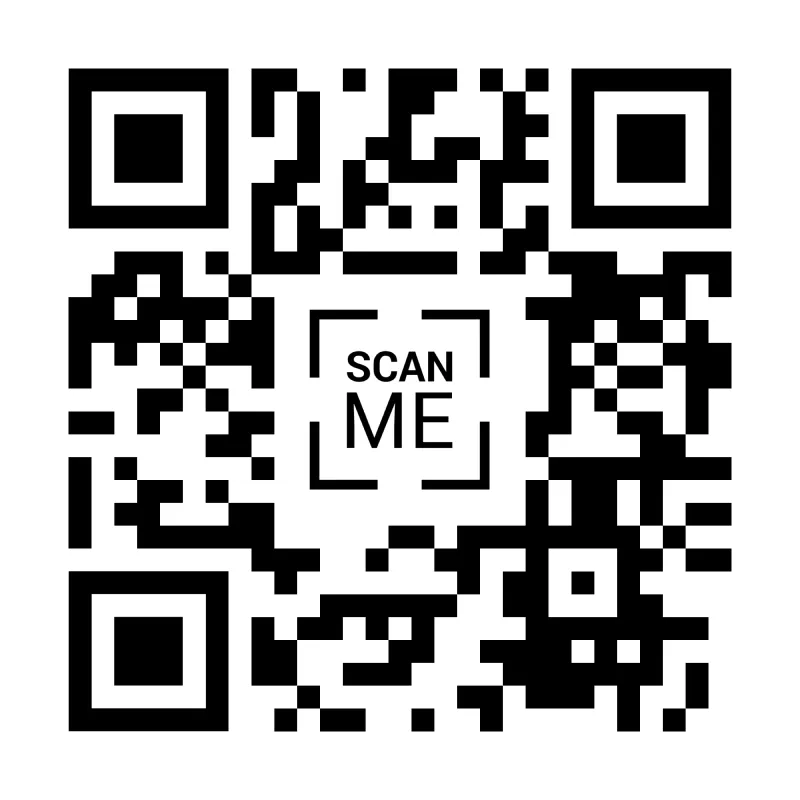
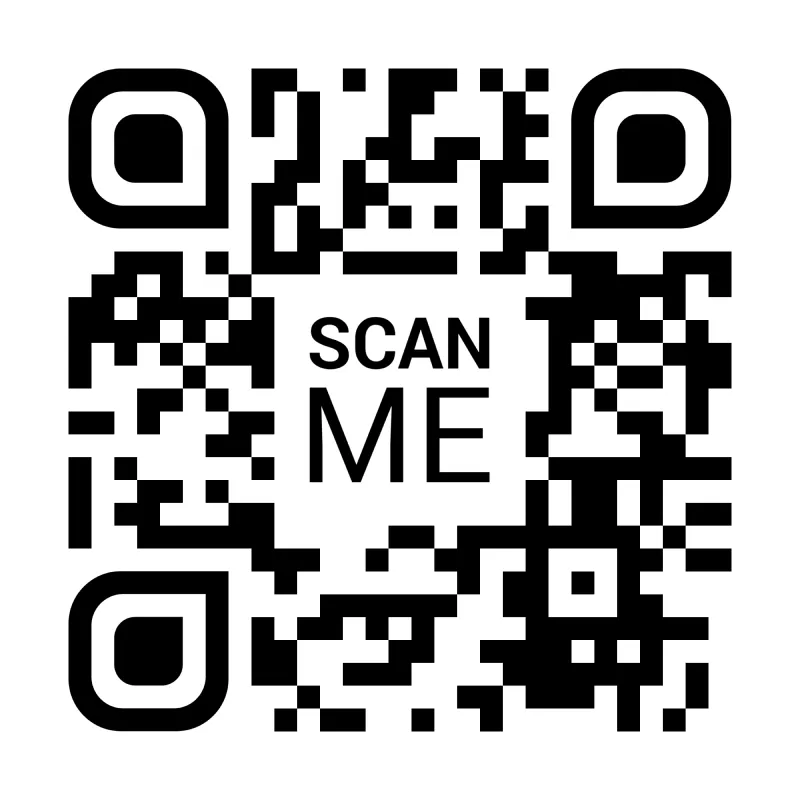
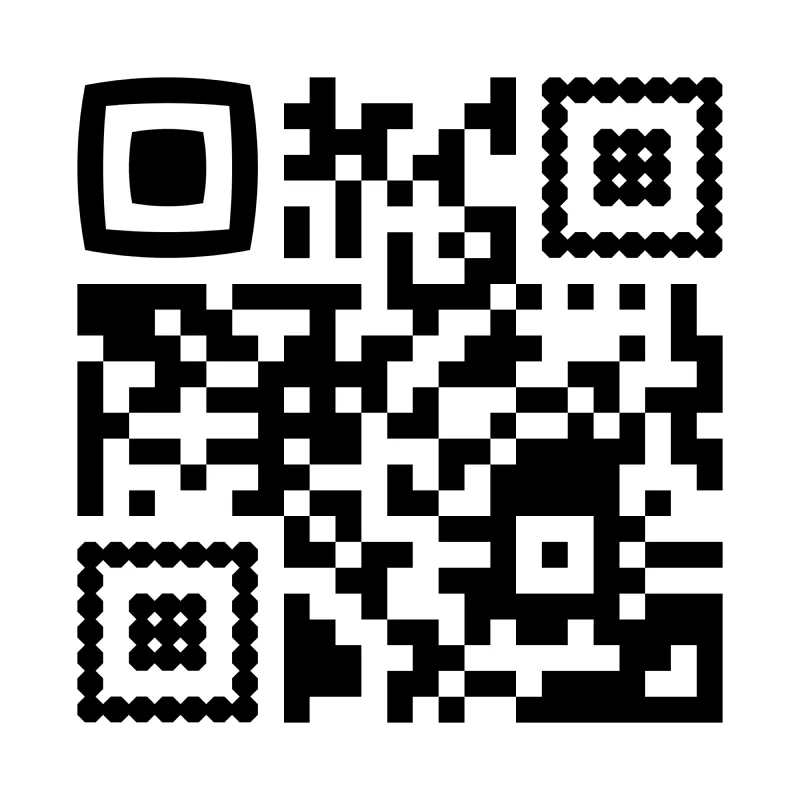
Example
Request URL |
https://api.qr-code-generator.com/v1/create?access-token=your-acces-token-here |
Request Method |
POST |
Request Body |
{ |
Response |
 |
Custom QR Code generation with colors
If you’re in the hospitality, retail, or packaging industry, branded QR Codes are the best option for you to engage with your customers. Our QR Code API lets you add branding power easily so your Codes match your company identity. You can customize the QR Codes with any color of your choosing. Just make sure there is sufficient contrast between the Code and the background. The Code color should generally be dark and placed against a light-colored background to make it scannable.
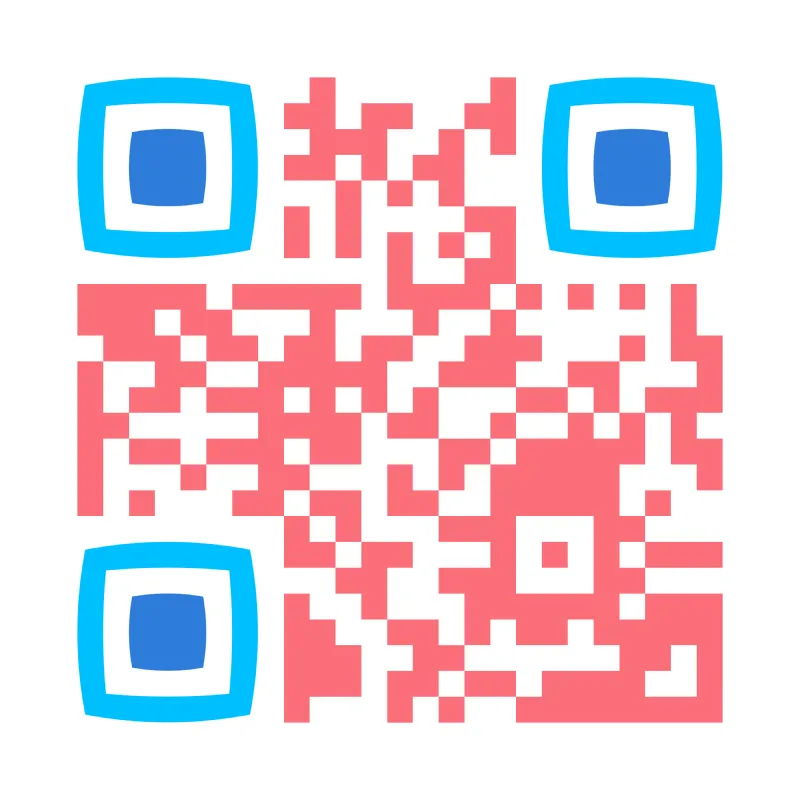
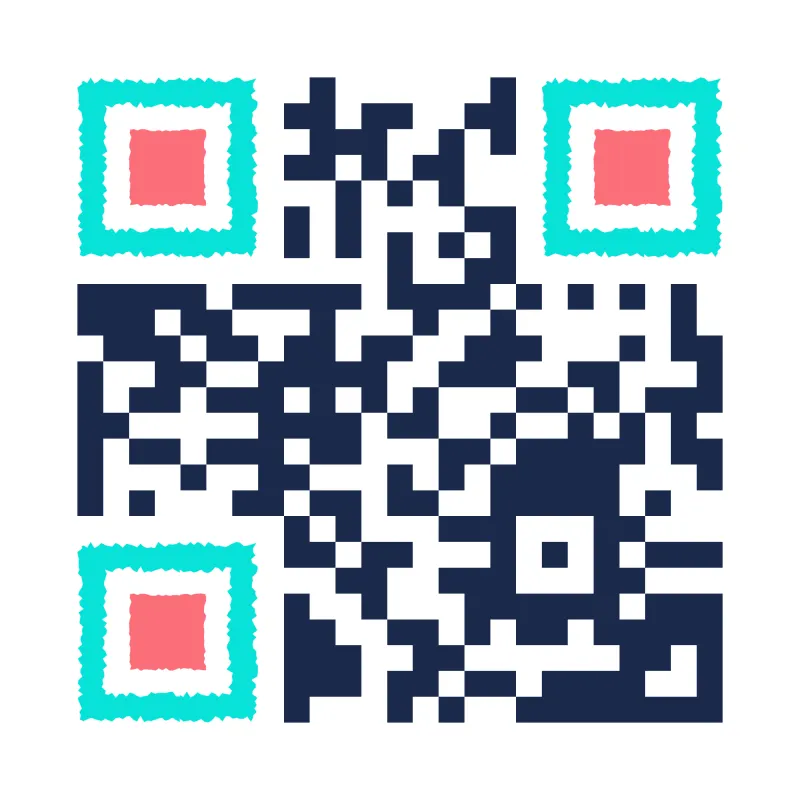
Example
Request URL |
https://api.qr-code-generator.com/v1/create?access-token=your-acces-token-here |
Request Method |
POST |
Request Body |
{ |
Response |
 |
Custom QR Code generation with frames
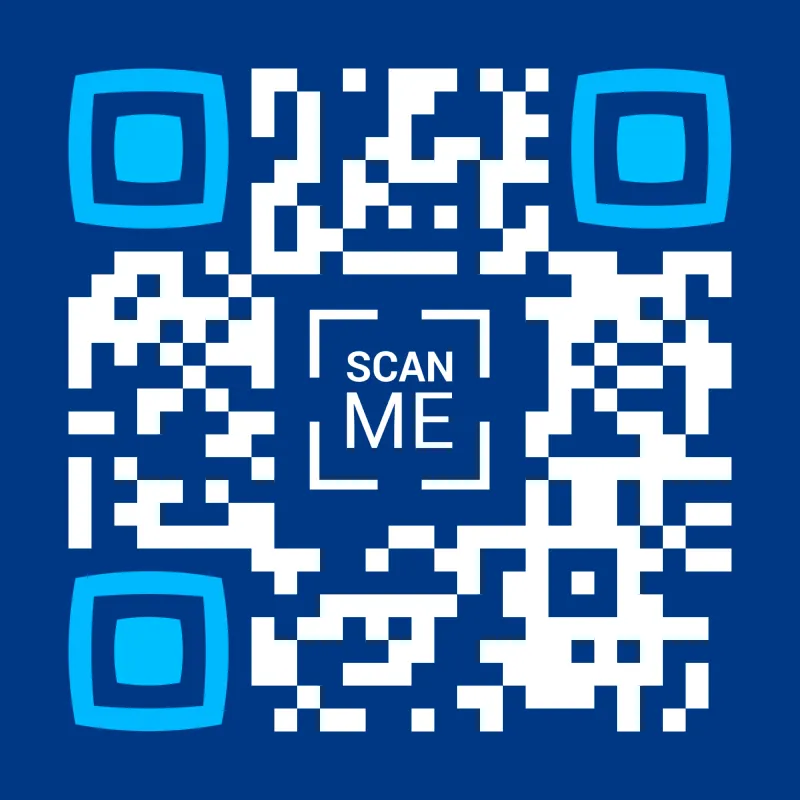
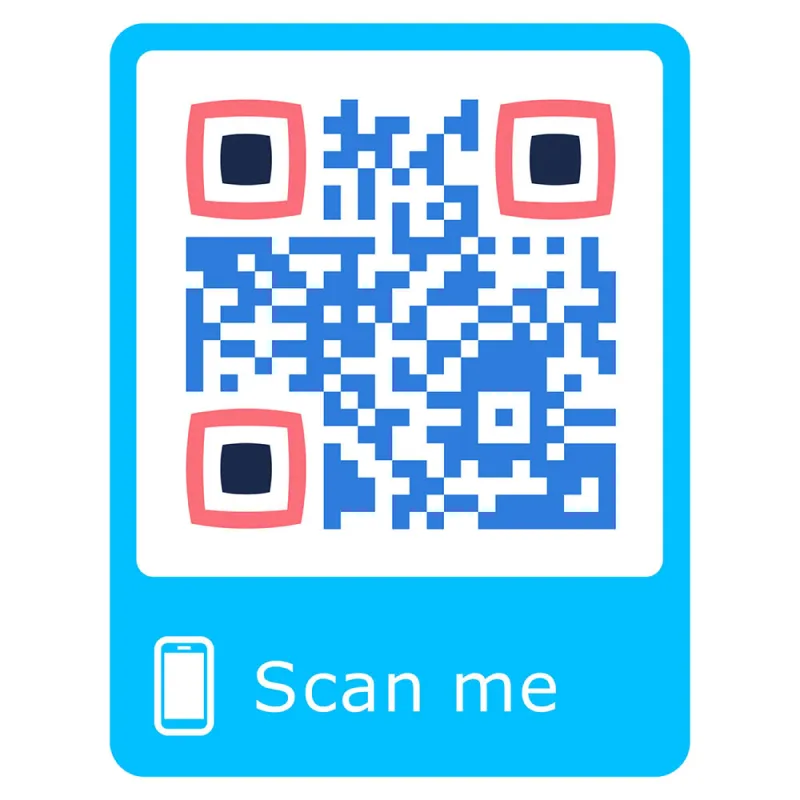
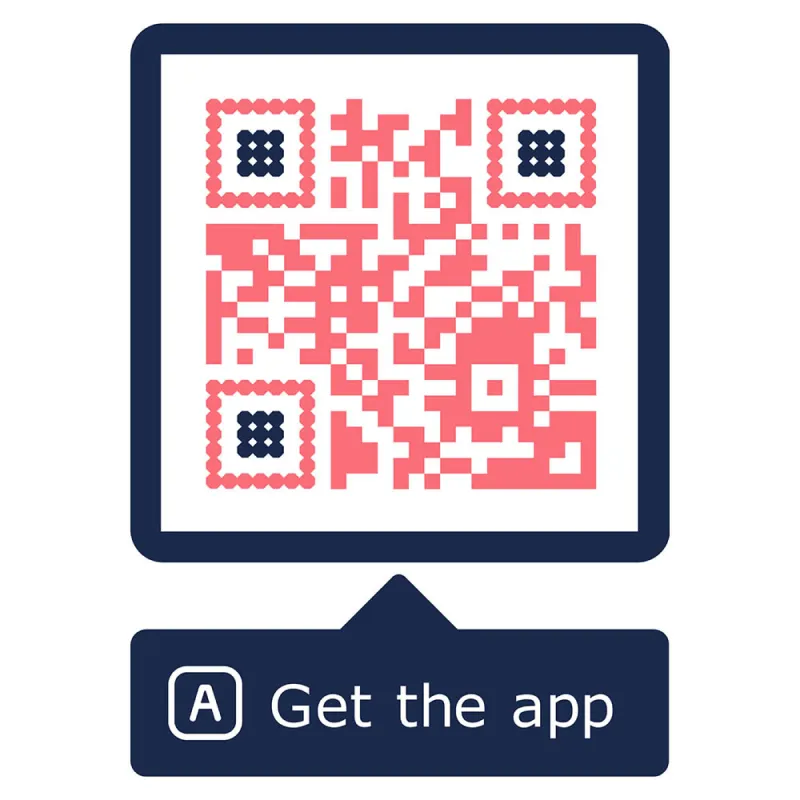
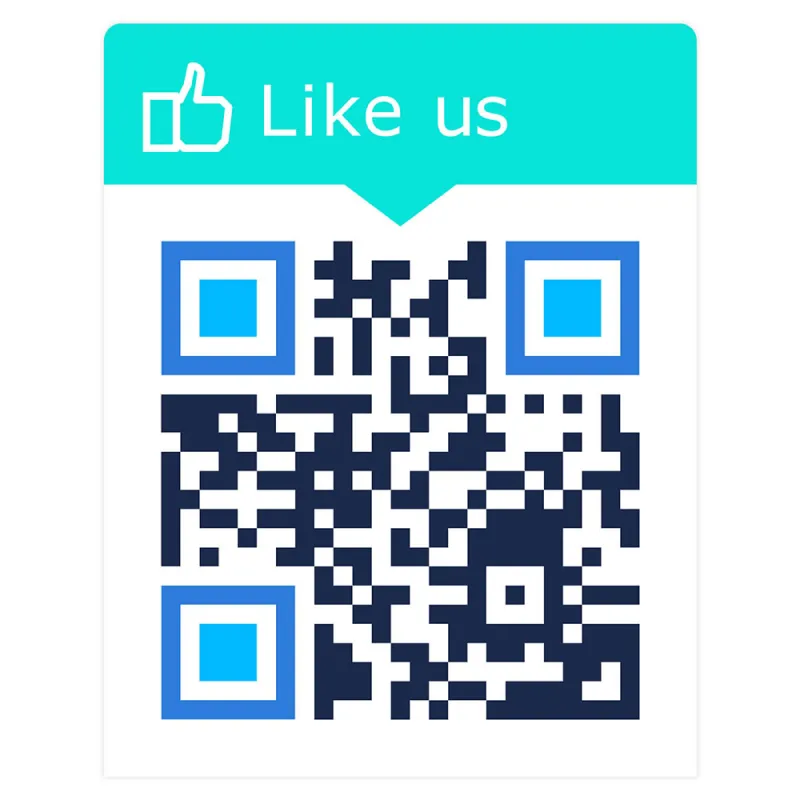
Frames are useful to encourage your customers to take action with your QR Codes. With our QR Code API, you can automatically add custom frames with call-to-actions to spur users to take any step: View PDF, Watch Video, Visit Website, and much more.
Example
Request URL |
https://api.qr-code-generator.com/v1/create?access-token=your-acces-token-here |
Request Method |
POST |
Request Body |
{ |
Response |
 |
Get started with our QR Code API
Now that you’ve got a general idea of what our API can do, you can leverage the QR Code parameters below to generate your own QR Codes. Please keep in mind access-token is a required GET parameter and all other parameters could be sent in POST body when using POST or in GET parameters when using GET.
Endpoint |
https://api.qr-code-generator.com/v1/create?access-token=your-acces-token-here |
Methods |
GET, POST |
Response |
Binary Image File (JPG, PNG, SVG, EPS) |
Basic Parameters
Parameter Name |
Type |
Default |
Description |
access-token |
string |
Required |
Get it from Account > API |
qr_code_text |
string |
Required |
What you like to encode e.g. https://www.yourdomain.com or Free Text |
image_format |
string |
SVG |
The output file format for your QR Code. There are different formats available. Possible values: JPG, PNG, SVG, EPS |
image_width |
number |
500 |
Output size in Pixel only supported for PNG and JPG Format |
download |
boolean |
0 |
0 = Return data 1 = Send data to browser |
Design Parameters
Parameter Name |
Type |
Default |
Description |
foreground_color |
string |
#000000 |
Foreground color in format #RRGGBB. |
background_color |
string |
#FFFFFF |
Background color in format #RRGGBB. |
marker_left_inner_color |
string |
#000000 |
Inner color of the top-left position marker. |
marker_left_outer_color |
string |
#000000 |
Outer color of the top-left position marker. |
marker_right_inner_color |
string |
#000000 |
Inner color of the top-right marker. |
marker_right_outer_color |
string |
#000000 |
Outer color of the top-right marker. |
marker_bottom_inner_color |
string |
#000000 |
Inner color of the bottom-left marker. |
marker_bottom_outer_color |
string |
#000000 |
Outer color of the bottom-left marker. |
marker_left_template, marker_right_template, marker_bottom_template |
string |
version1 |
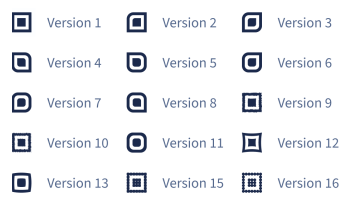 |
qr_code_logo |
string |
no-logo |
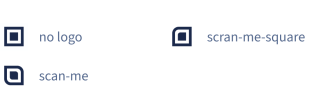 |
Frame Parameters
Parameter Name |
Type |
Default |
Description |
frame_color |
string |
#000000 |
Foreground color in format #RRGGBB. |
frame_text |
string |
Background color in format #RRGGBB. |
|
frame_icon_name |
string |
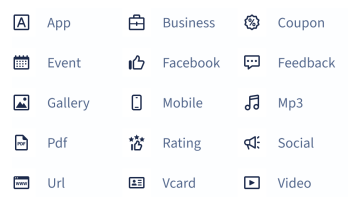 |
|
frame_name |
string |
Required |
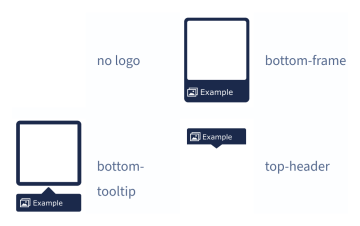 |
Examples Gallery
View some example use cases and discover how our QR Code API benefits you
Please contact us if you need a solution for individual needs or large-scale commercial use (over 500 requests/day).
