
Easily share a PDF with a single scan
Expand your marketing materials with this QR Code type, and display a digital brochure, product manual, catalog, menu, and much more.
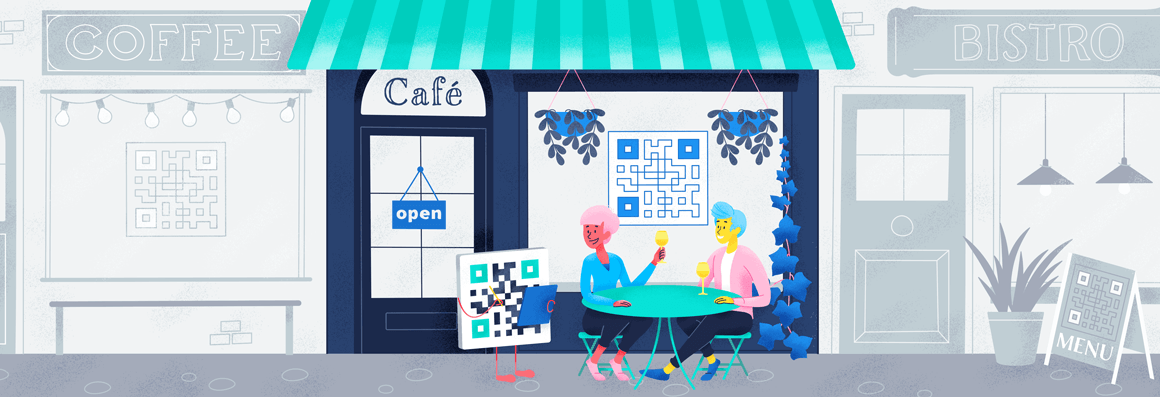
Contactless menus have become common post-pandemic, so much so that many diners don’t think twice about scanning a QR Code. They’re a more hygienic option than physical menus, and they let restaurants update menus instantly without reprinting.
Ready to go contactless with your menu? Here’s what you need to know about PDF QR Codes.
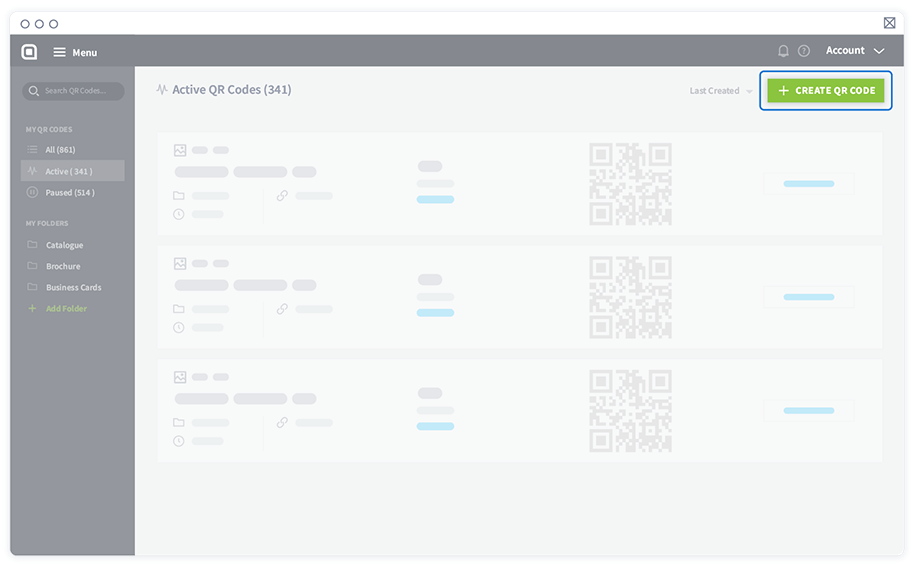
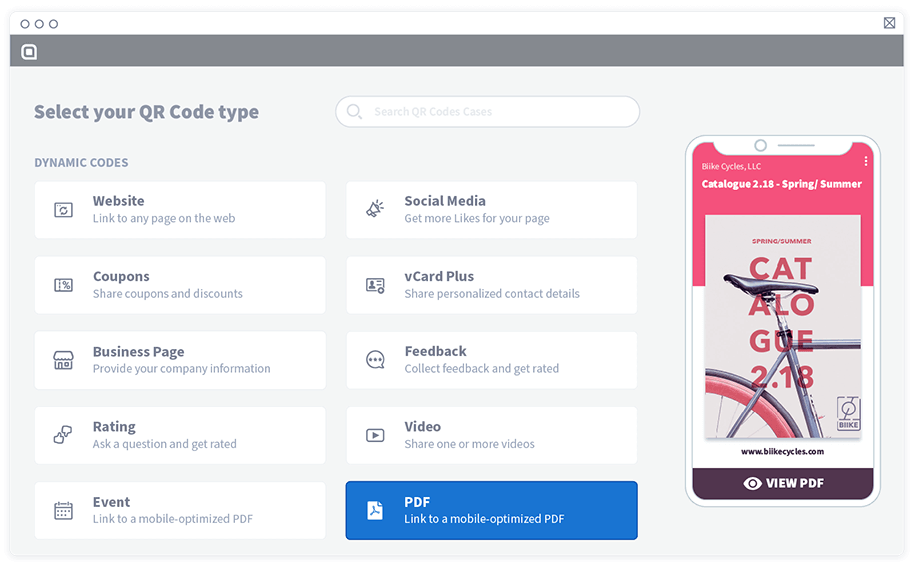
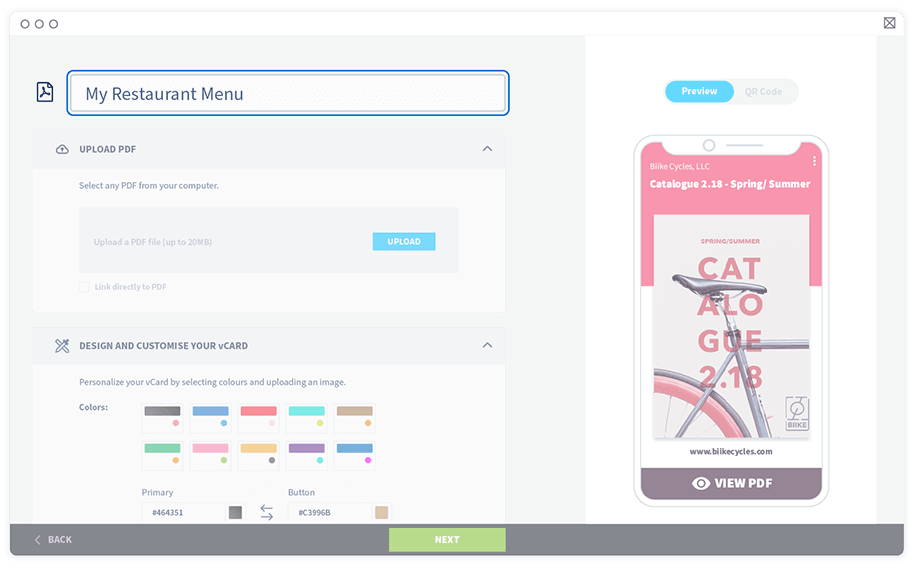
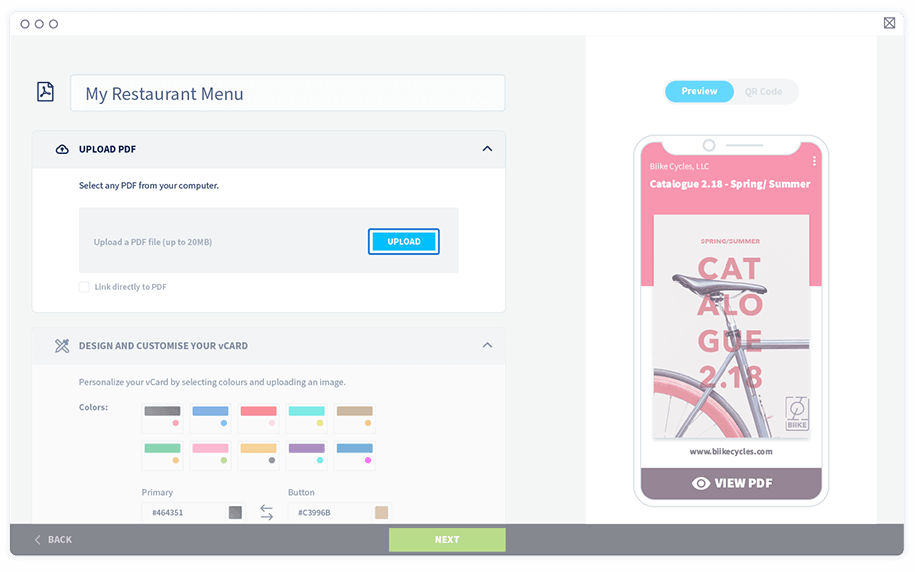
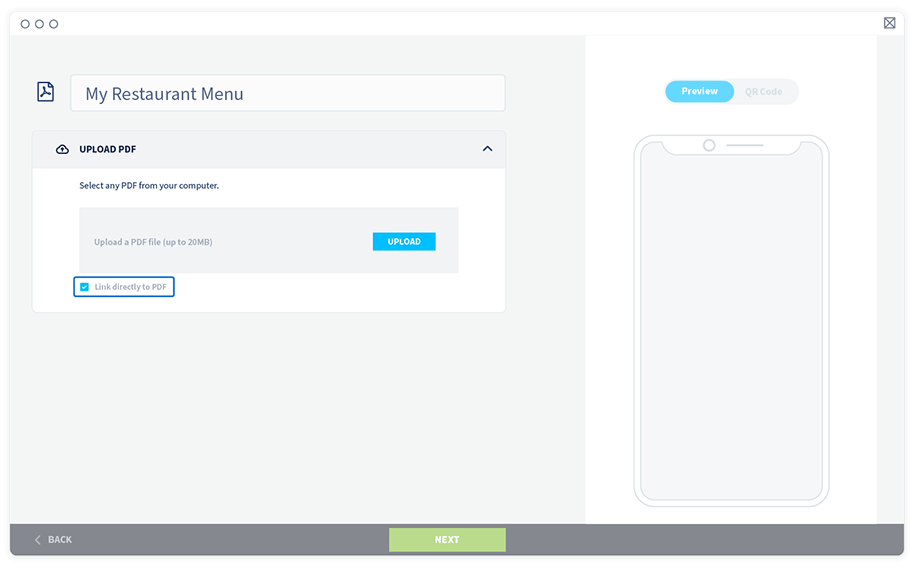
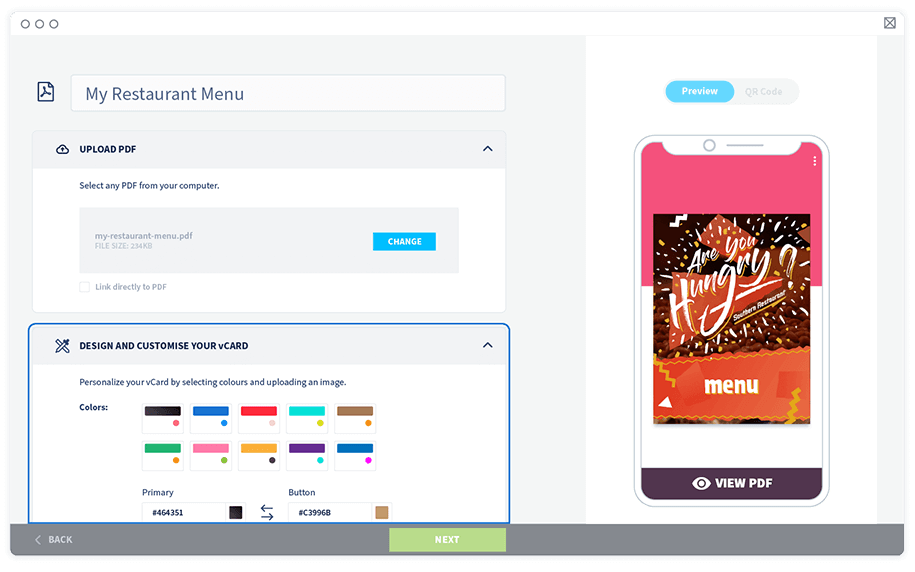
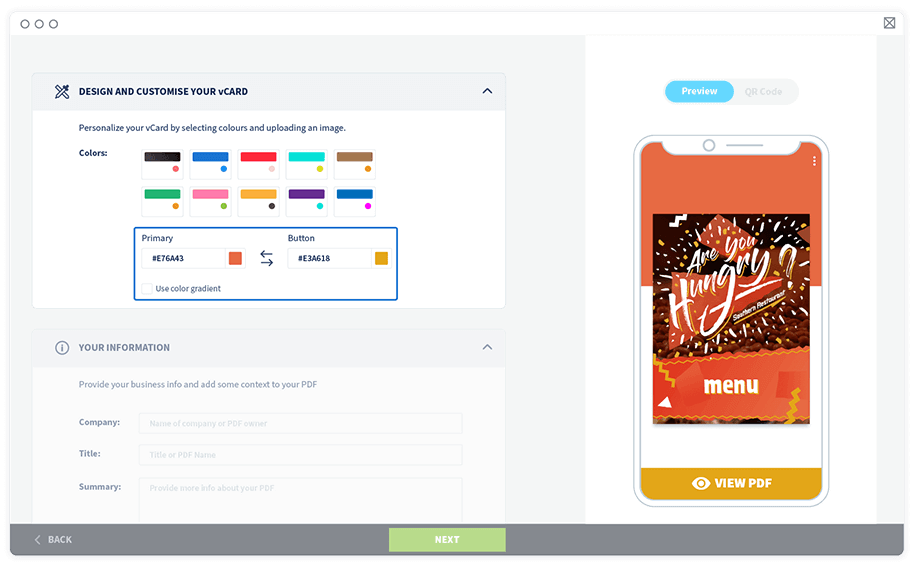
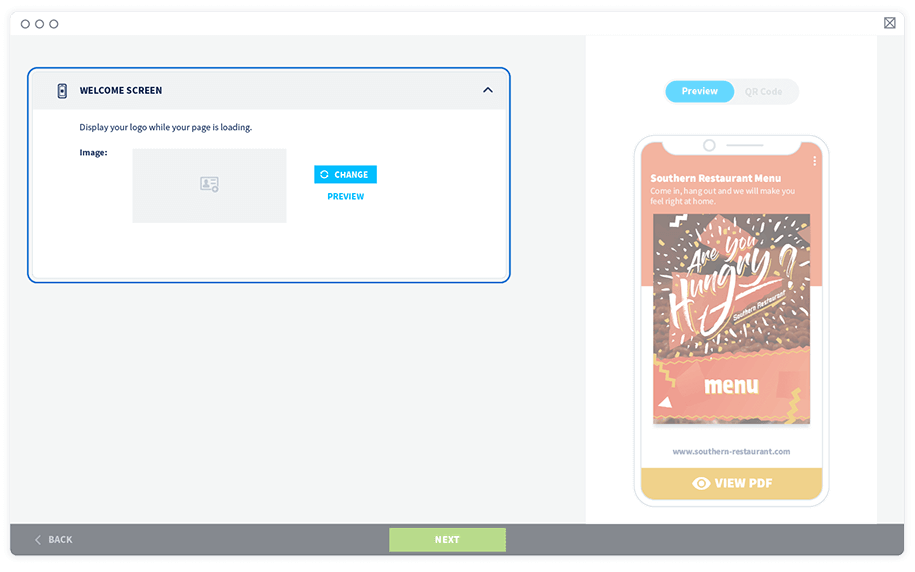
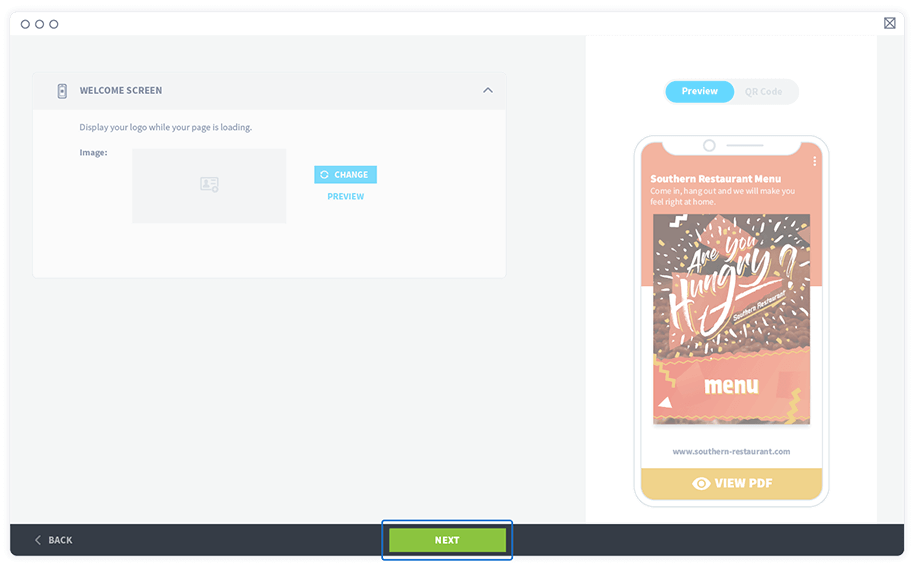
Your menu can do more than just list items. It should also draw diners in! Vibrant images and detailed descriptions not only highlight your drinks and dishes but can also tempt diners to try new items or add to their orders.
We’ve included a few ideas below to help you customize your QR Code menu.
Short URLs are easier to read and share. Additionally, branded URLs build trust better than a URL with a string of random characters. When patrons scan your QR Code and see a familiar URL, they’re more likely to browse your menu. Default URL redirects like l.ead.me, qrco.de, and q-r.to can seem impersonal, suspicious, or untrustworthy.
With QR Code Generator PRO, you can customize the back half of your shortened URLs to give visitors more confidence that the link is legitimate and let them know what to expect when they click. If you want to personalize your URL’s domain name as well, you can upgrade your plan and access more customization features.
Now that you’ve created the URL for your menu, it’s time to design the actual QR Code for customers to scan.
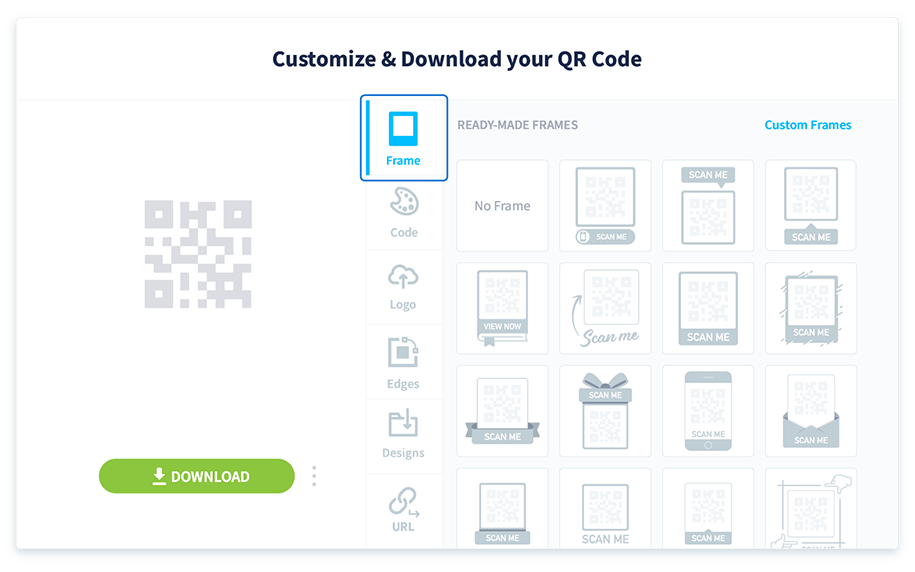
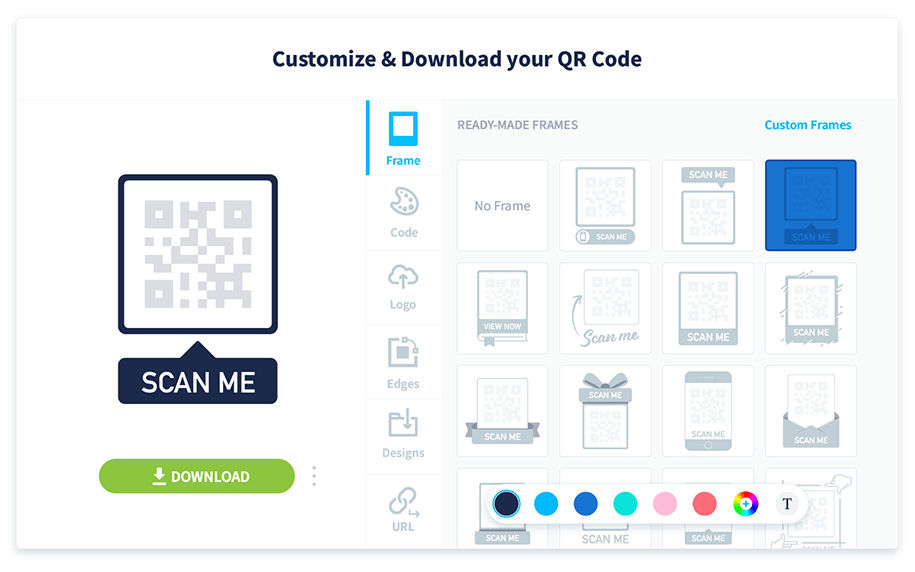
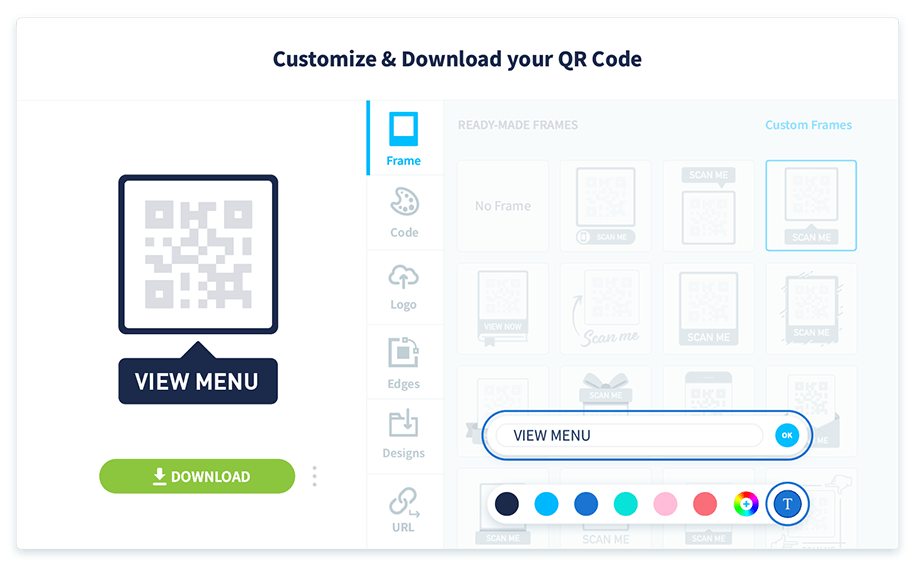
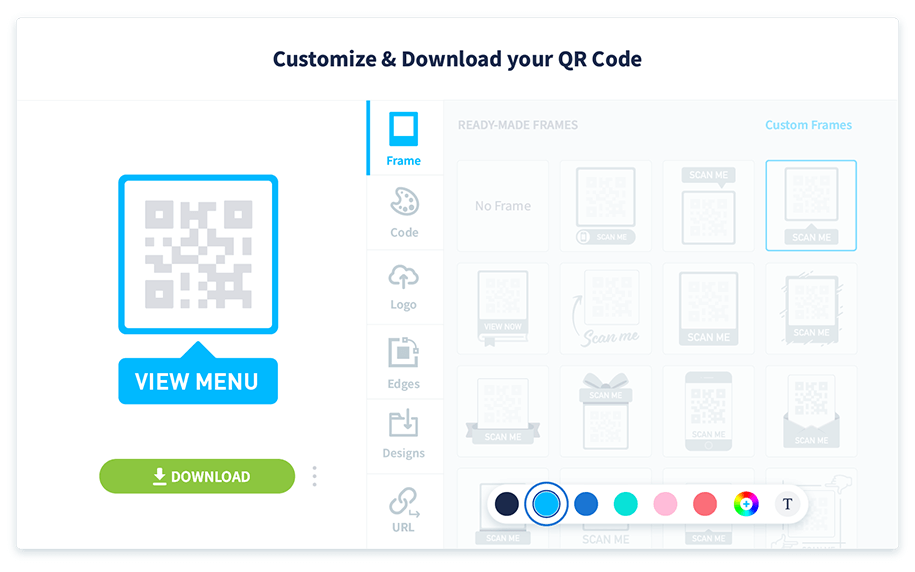
You can also change the design and color of the small black-and-white squares in your QR Code.
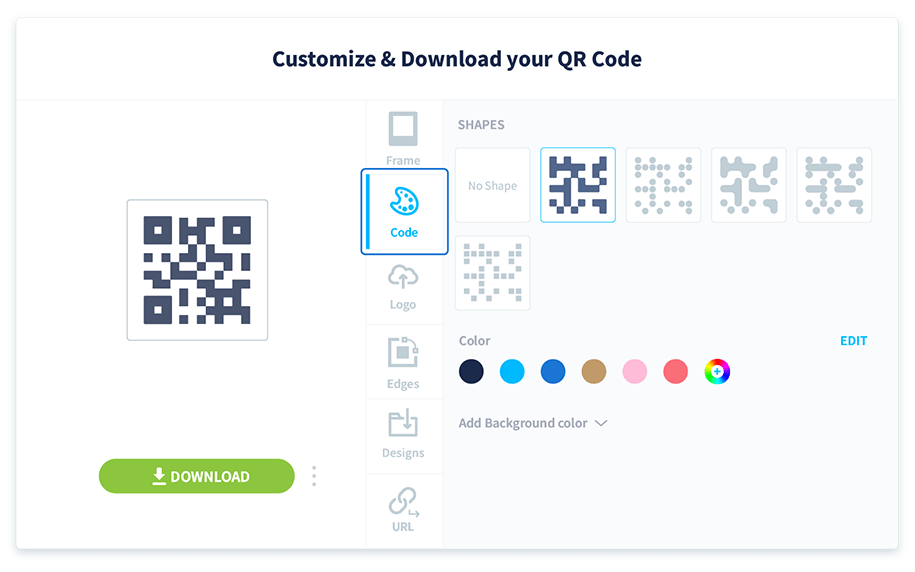
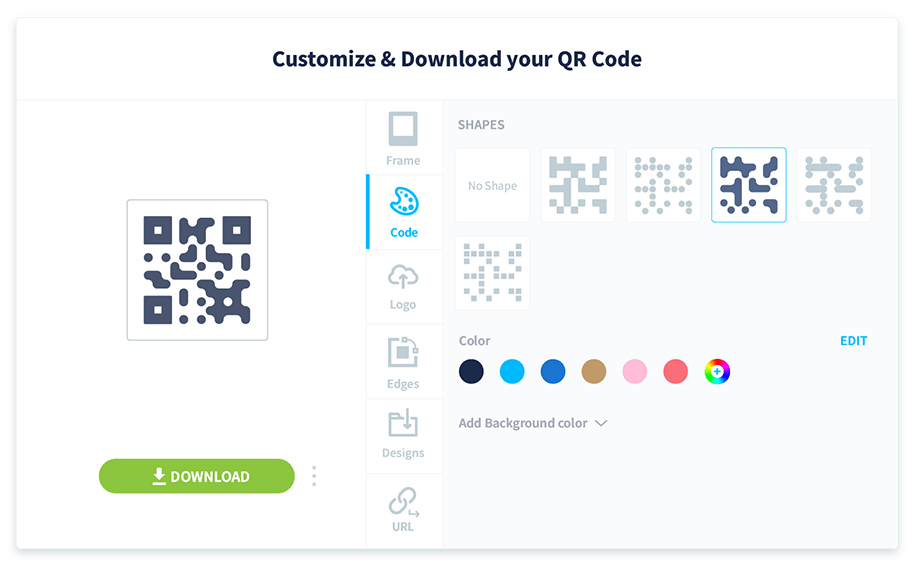
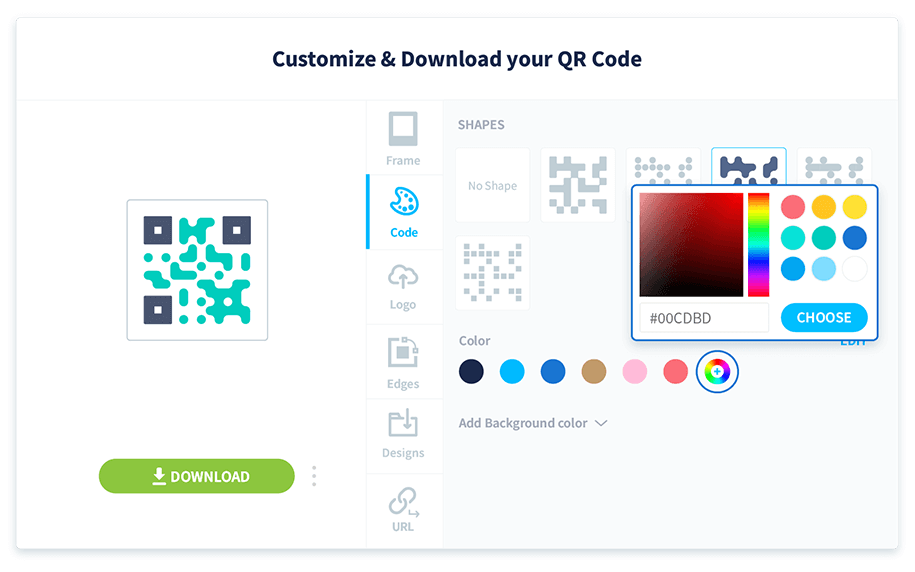
The code’s color should always be darker than the background so smartphone cameras can scan it.
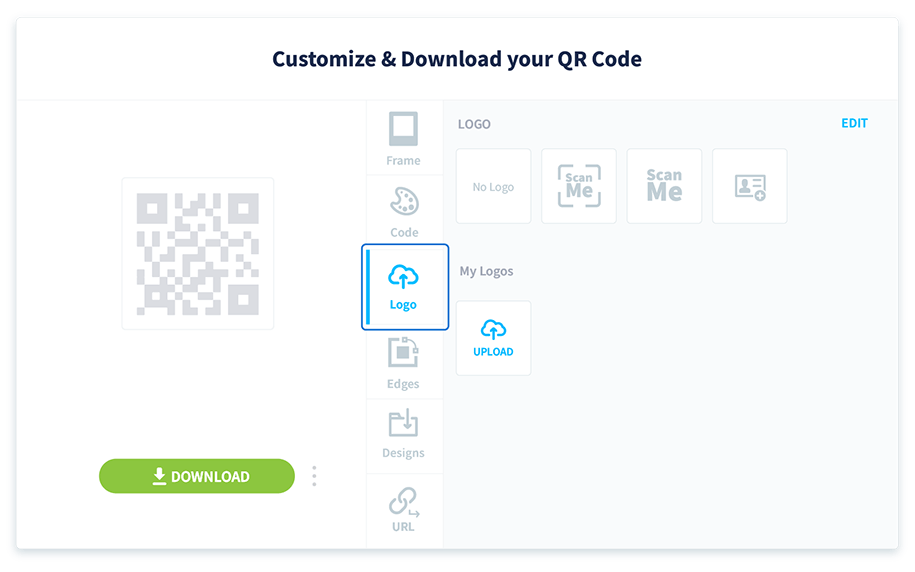
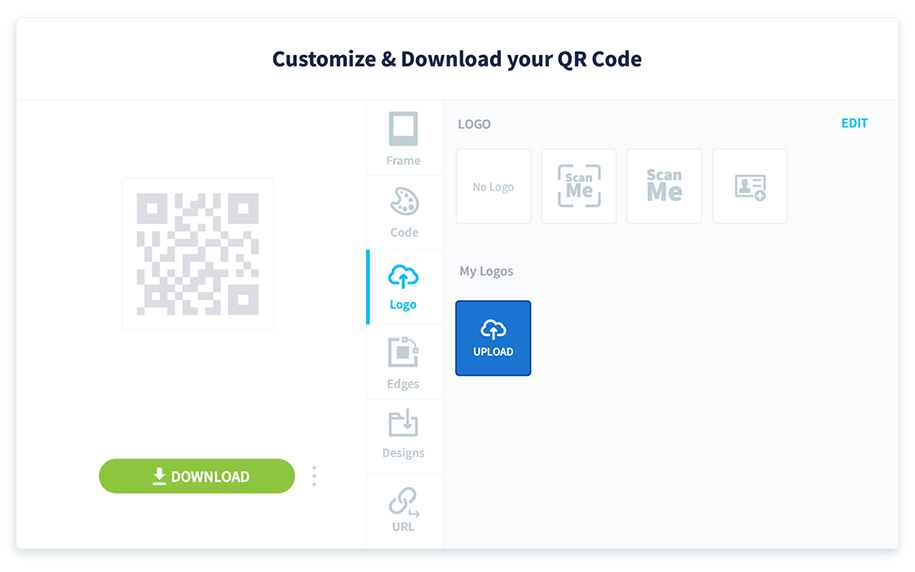
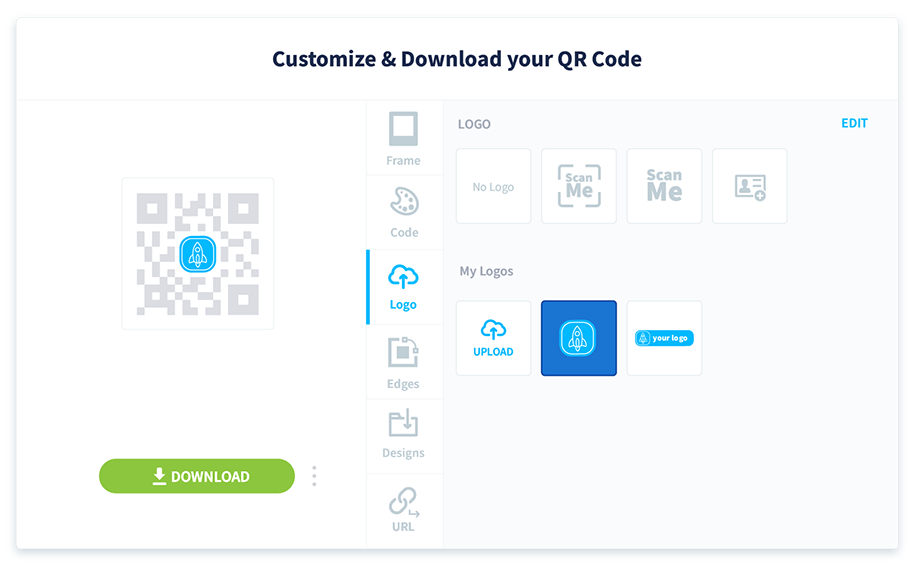
Displaying your restaurant or bar logo directly on the QR Code is a great way to tie it back to your brand.
You can download the QR Code in four file formats: JPG, PNG, SVG, and EPS.
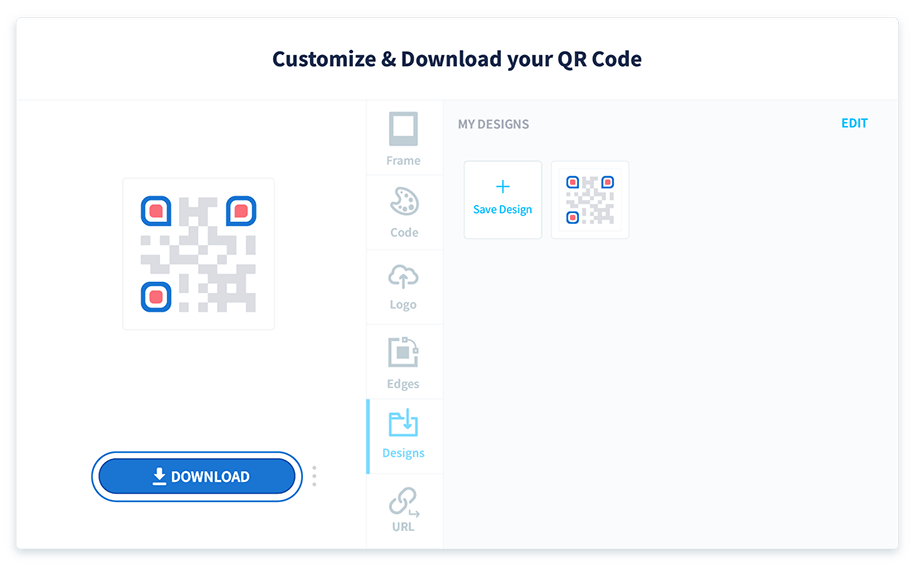
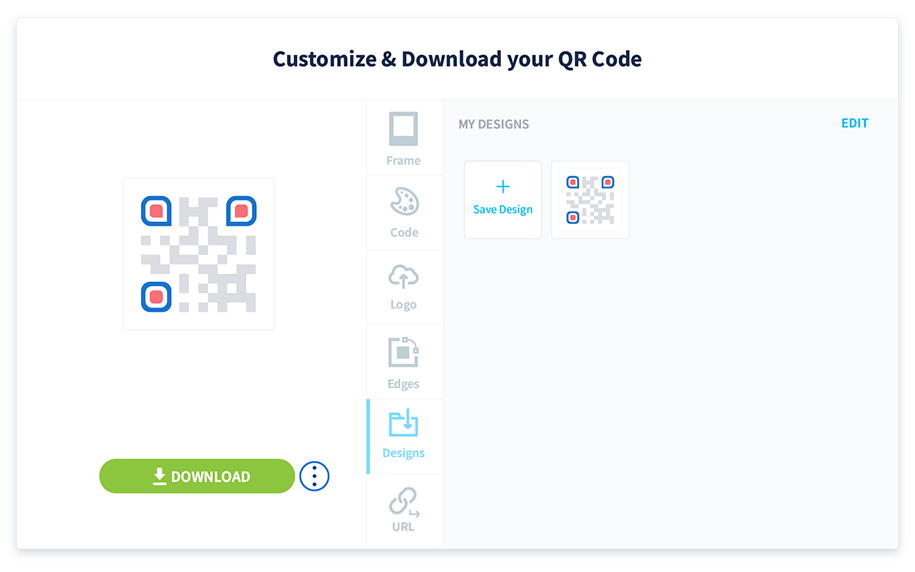
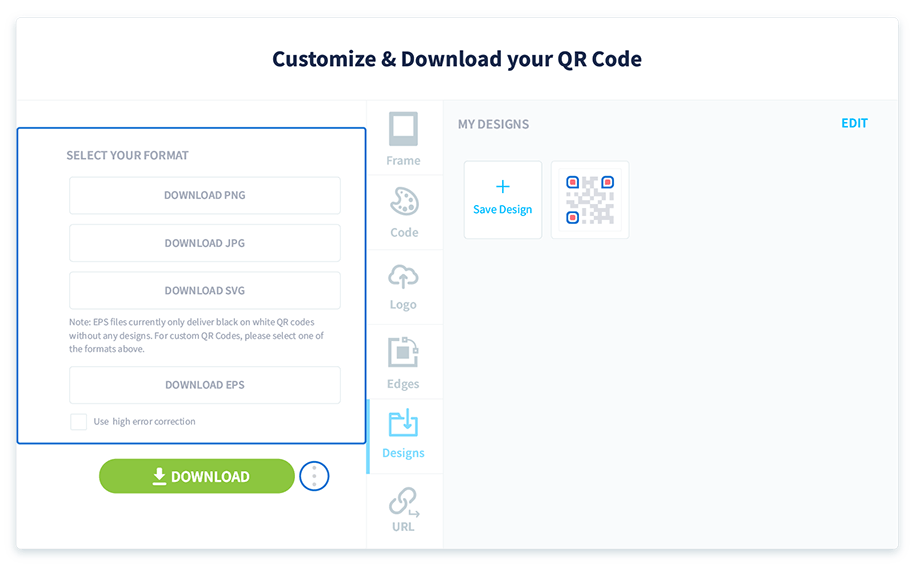
Your QR Code will lose all customized designs if you download it in EPS format.
QR Codes can attract even more attention when you add them to your existing designs. Below, we’ve included a few of the most common places to print QR Codes for restaurants, along with standard file sizes.
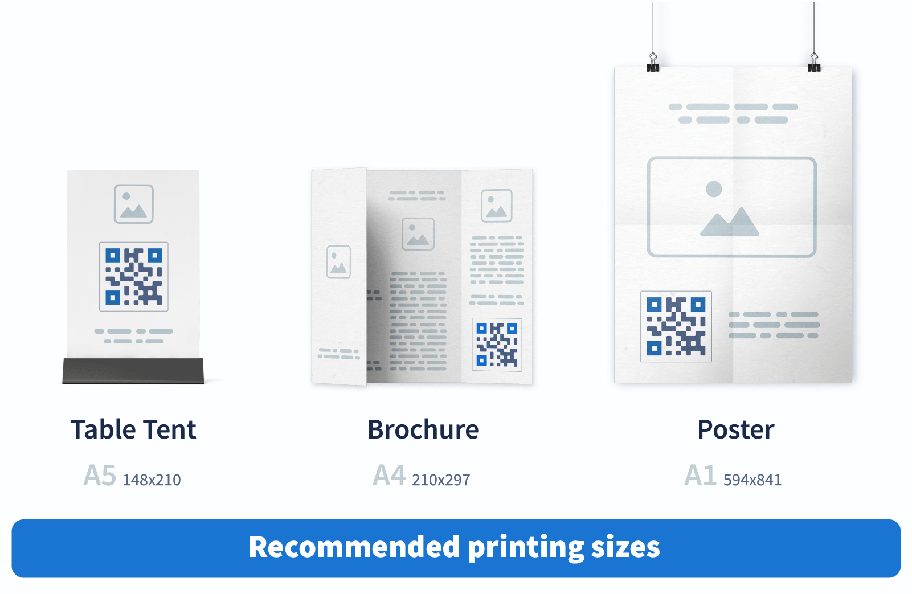
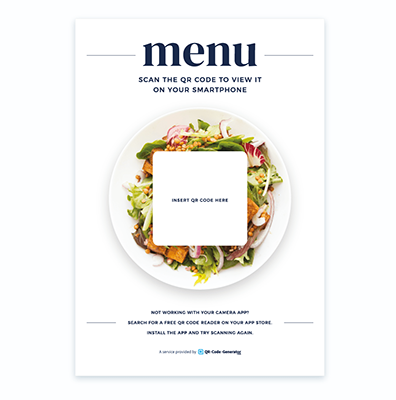
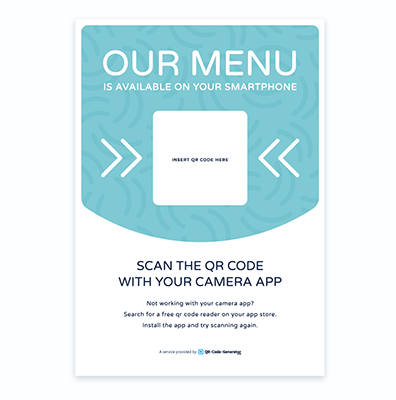
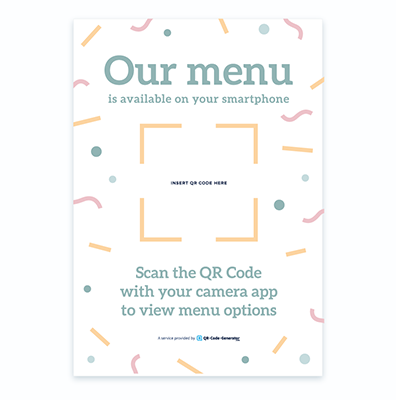
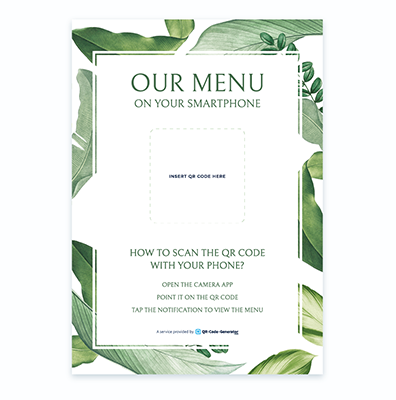
To make the process even easier, we have pre-built templates that you can use. Each one includes instructions that make it easy for customers to scan your QR Code. Here’s how to use them to create eye-catching signage in seconds:
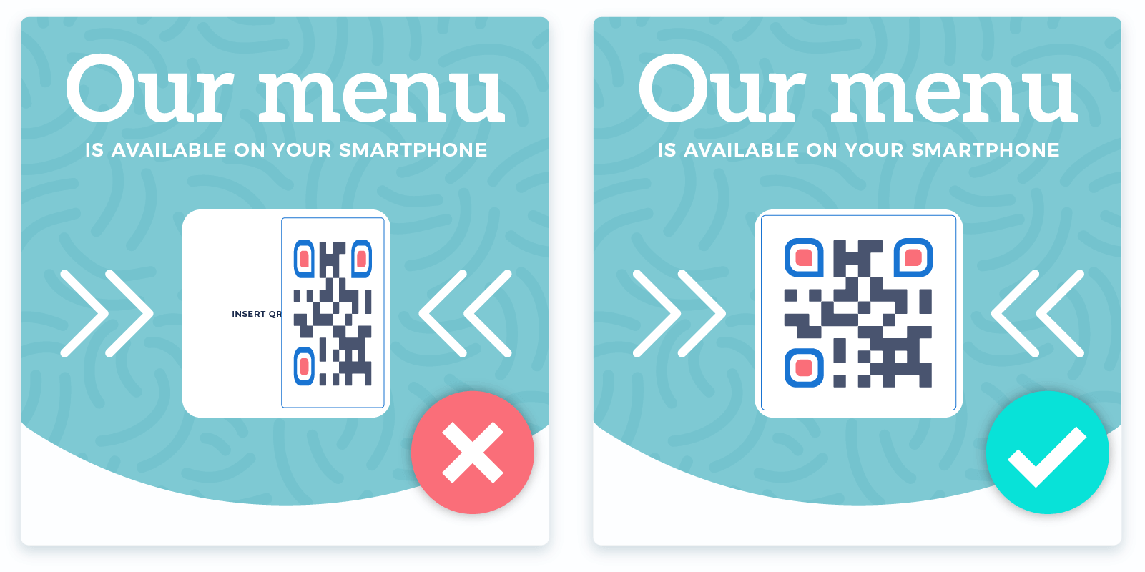
Test your QR Code to make sure it’s scannable. Dragging or resizing your QR Code can sometimes create blurry or unrecognizable shapes.
Need a little inspiration? Here are a few ways to showcase your new QR Code menu and make it easy for customers to scan it.
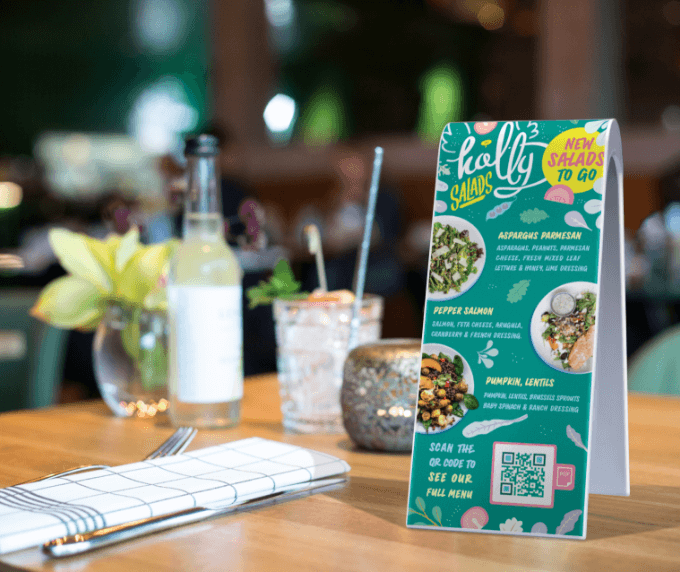
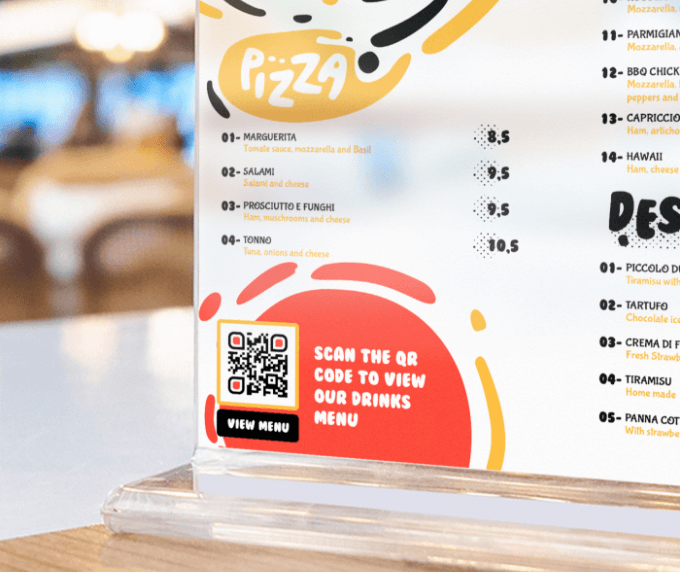
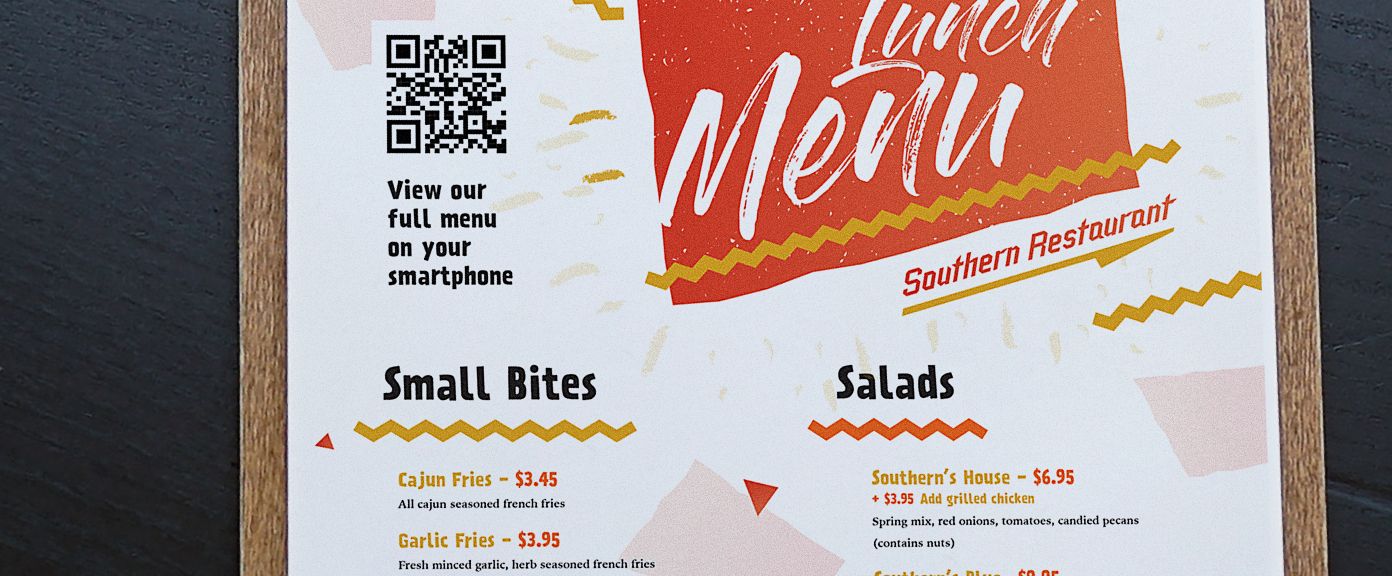
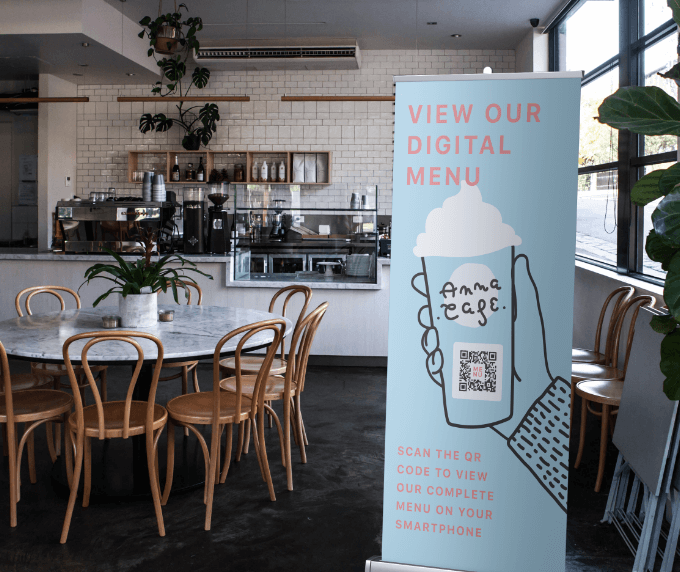
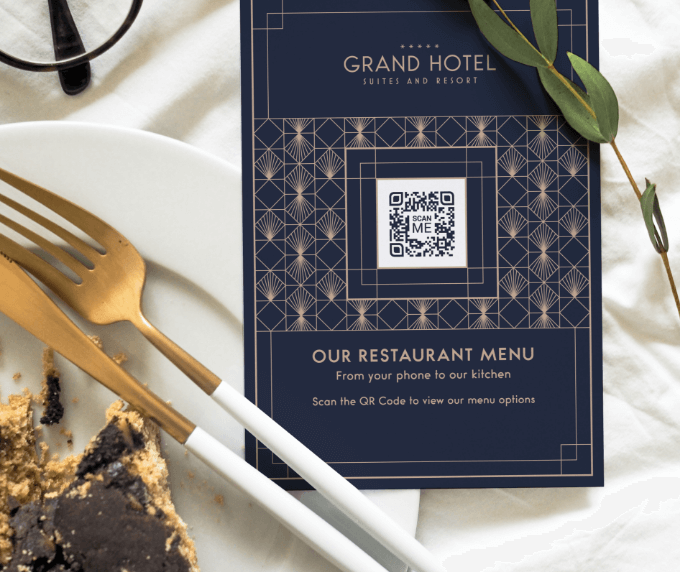
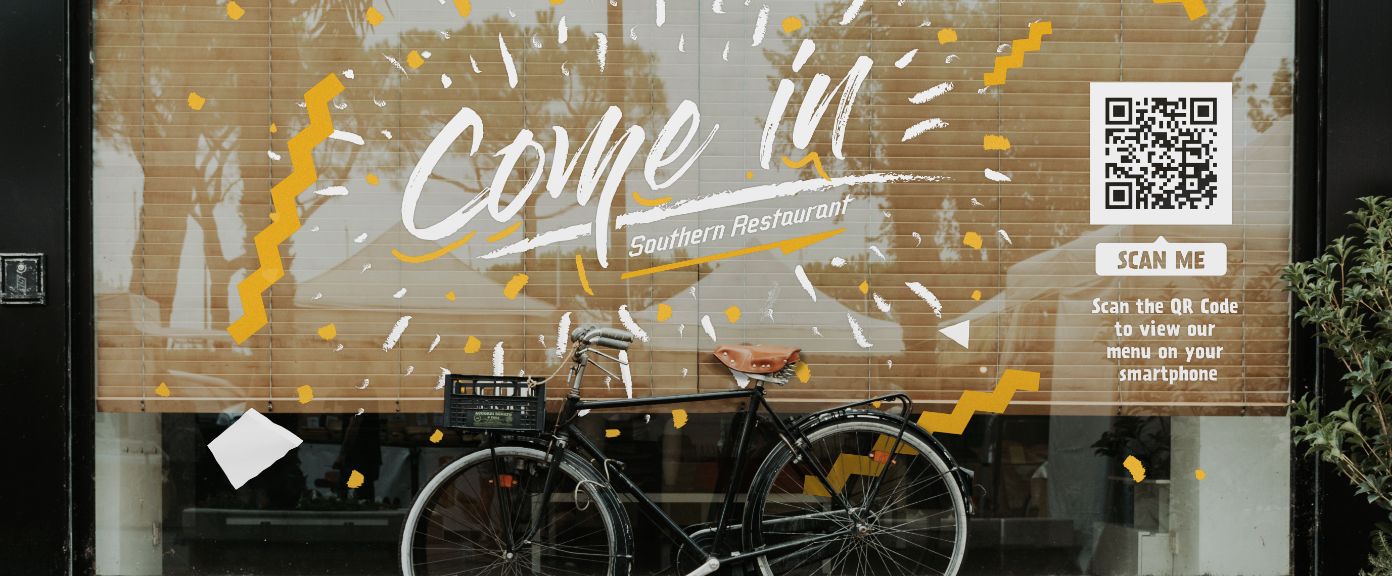
Expand your marketing materials with this QR Code type, and display a digital brochure, product manual, catalog, menu, and much more.
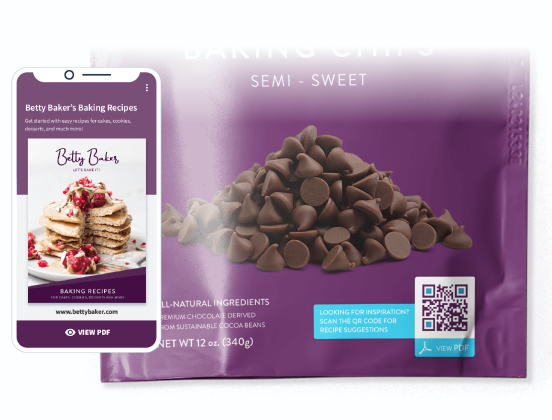
Paper menus are high maintenance. Drinks spill, sauces smudge, and printing and reprinting are costly. Many restaurants have actually increased profits with digital menus.
When you replace physical menus with a PDF QR Code, you only have to print the code on surfaces where it’s easily accessible—walls, windows, doors, and even tables—eliminating the need to toss out your menus after every spilled drink. In the restaurant industry, where the average profit margin is 10.66%, every penny counts. QR Code menus are also a more sustainable option, cutting down on paper waste.
Adding a new dish or launching a seasonal menu? Just upload a new PDF. People will see the updated menu when they scan your QR Code, eliminating the need to print a new one. The PDF QR Code is a type of Dynamic QR Code that allows you to replace and edit the PDF whenever you want in just a few clicks.
Updating your menu can be time-consuming and costly, especially when changes need to be made on the fly—like when a dish sells out or a special is discontinued. The PDF QR Code is ideal, allowing you to make updates in real time, so your servers don’t have to keep delivering the bad news to customers.
The COVID-19 pandemic taught us just how germ-filled menus can be. Creating a PDF QR Code for your menu limits germ-sharing and keeps your staff members from spreading those germs as they serve customers.
When customers can scan a QR Code from their table, your staff members no longer have to hand out physical menus and explain the specials. You can add as much information as you want about your menu items directly in the PDF.
Plus, many customers prefer the convenience of contactless solutions at restaurants. They can scan the online menu as soon as they arrive at a bar or restaurant and explore their options in greater detail from their mobile devices.
Including images on physical menus can be costly, so restaurants often skip them. With PDF QR Codes, you can add appetizing images so customers know exactly what to expect when they order. Nearly 3 in 4 diners say pictures on a menu influence their order decisions.
Pictures are worth a thousand words, especially when you have young children, visually impaired customers, and multilingual patrons viewing your menu.
Unlike paper menus, PDF QR Code menus can give you valuable data about your customers. You can track peak dining times, popular items, and repeat customers. These insights can help you make more strategic decisions about staffing, menu options, and how to keep customers coming back. Ultimately, tracking scans from their QR Code menu helps restaurant owners create the best dining experience for patrons.
Yes, you can upload one PDF file with a maximum limit of 20 MB.
Your PDF QR Code comes with a short URL you can use to promote your menu on social media, email, or your website.
No, you don’t have to create a new QR Code. Simply upload your updated PDF to the same QR Code, and it will automatically link to the latest version when scanned. For detailed instructions, you can refer to our Help Center.
There are a couple of different ways diners can use your QR Code menu. If they’re dining in, they can simply scan the code to browse a digital version of your menu, then place their order with their server. But, you can also make it easier for them to order takeout online by linking to your website, either through a short URL on your digital menu or by linking your website on the PDF QR Code landing page.
No, you can only embed one PDF. If you have multiple menus that vary depending on the time of day, we recommend combining them into one PDF. You can also use a Dynamic URL QR Code that points to your website, where visitors can access each menu.


What you'll get when you return:
 Add custom colors, logos and frames.
Track
scan stats so you can prove ROI
Edit
live QR Codes anytime
Add custom colors, logos and frames.
Track
scan stats so you can prove ROI
Edit
live QR Codes anytime
