- Best Practices ●
- COVID-19 ●
- Industry Trends ●
- Partners ●
- Product ●
Modernize Your Networking: QR Codes on Business Cards

We have all returned from a trade show or networking mixer with a pocket full of paper squares. You stack them on your desk with good intentions. You plan to type those names and phone numbers into your contacts later. Eventually, you toss them in the recycling bin along with the potential connections they represent. This specific friction point kills networking momentum for professionals everywhere. In a world where we instantly connect on social media and share files via the cloud, purely physical business cards feel like a relic from a slower era.
You need a bridge that connects your physical presence to your digital identity. QR Codes provide that solution. Adding a scannable code to your card transforms a piece of paper into an interactive tool. It allows you to transfer data instantly, showcase your work, and prove you understand modern technology. You no longer have to hope a prospect types in your email address correctly. You simply hand them your card and let their smartphone do the rest.
Note: The brands and examples discussed below were found during our online research for this article.
Why QR Codes are ideal for networking
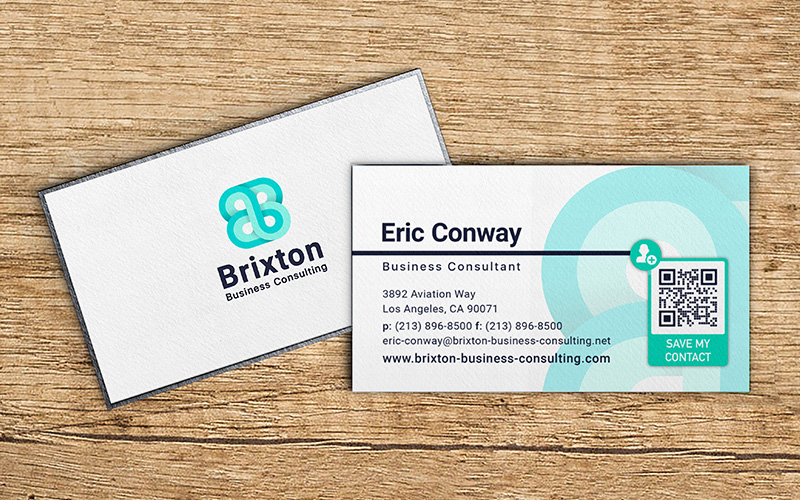
A Quick Response (QR) Code is a type of matrix barcode that stores information. Unlike standard barcodes that only hold horizontal data, QR Codes, store data both horizontally and vertically. This setup allows them to hold significant amounts of information including website URLs, contact info, and text.
QR Codes on business cards work perfectly for networking because they remove the manual labor from connecting. Virtually every modern smartphone has a built-in QR Code scanner in its camera app. A potential client or partner simply points their phone at your card. A notification pops up instantly. They tap it and immediately land on your website or save your contact details to their collection.

The benefits extend beyond just speed. QR Codes are incredibly versatile. You can print them on stickers, flyers, or brochures. They are a low-cost technology that adds high-value functionality to your marketing tools. Using them shows you are tech-savvy and value the time of the people you meet. You turn a passive exchange of paper into an active digital connection.
Ways to use QR Codes on a business card
You can use QR Codes to direct people to almost any digital destination. This flexibility allows you to tailor your business card to your specific profession and goals. Here are four powerful ways to upgrade your card with a custom QR Code.
Share your portfolio
Creative professionals often struggle to convey their style on a 3.5 x 2-inch card. Photographers, graphic designers, and architects need to show their work to sell their services. A QR Code acts as a portal to your digital gallery.

Instead of hoping a potential client visits your URL later, QR Codes for portfolios guide them right to your best work in the moment. They scan the code and immediately see your high-quality images, video reels, or design projects. This instant access creates a stronger impression than a blank card ever could. It proves your skills immediately and keeps the conversation focused on your deliverables.
Connect on LinkedIn
For many B2B professionals, LinkedIn is the new Rolodex. It is where business relationships actually live and grow, accounting for up to 80 percent of social media leads. However, finding someone on LinkedIn can be frustrating. You have to type their name into the search bar, filter through dozens of people with the same name, and hope you pick the right profile.
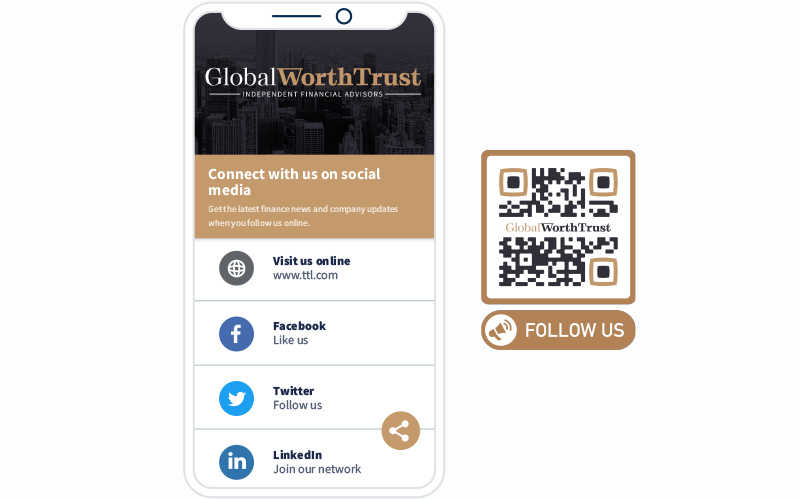
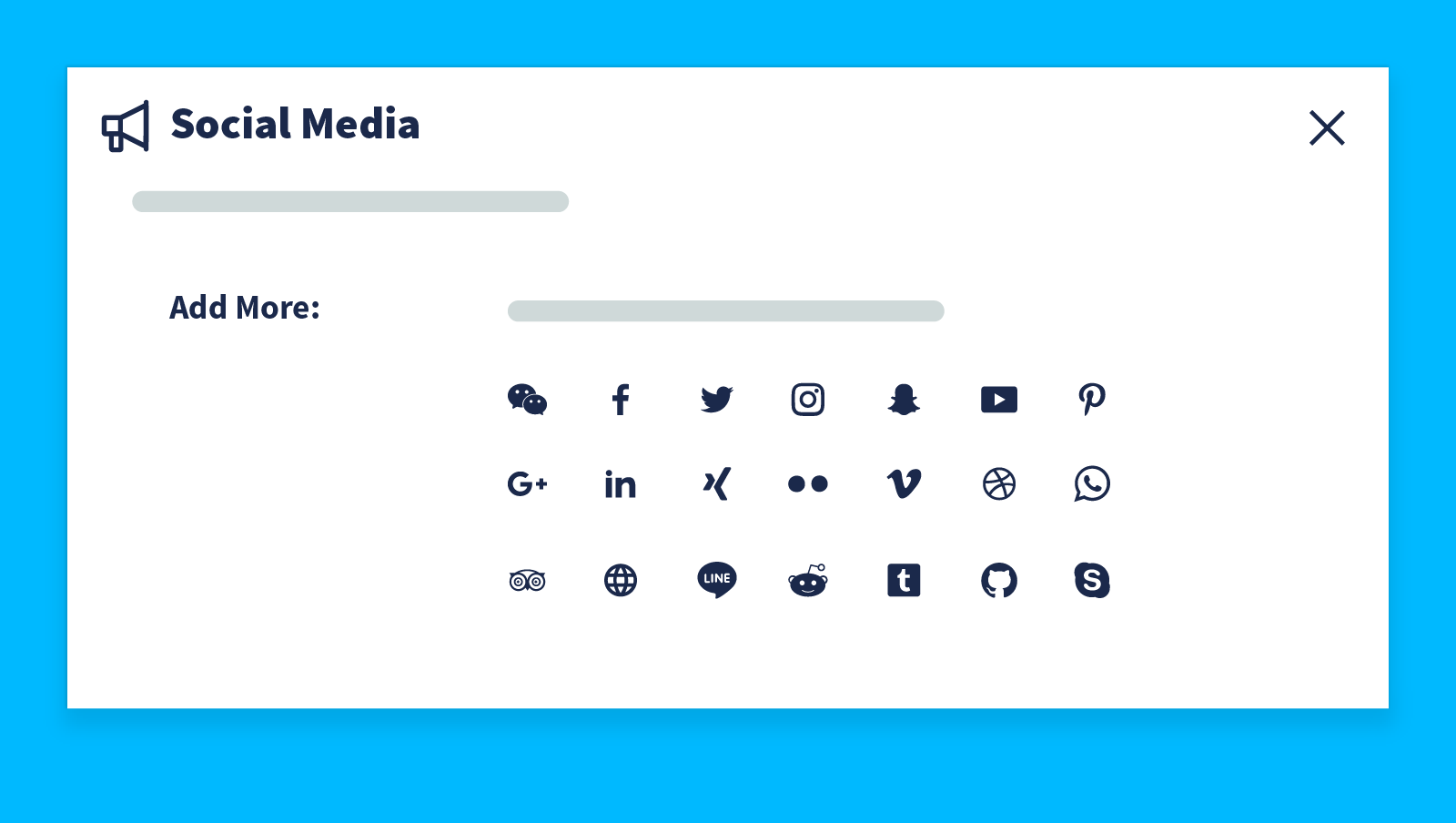
A QR Code solves this problem instantly. You can generate a QR Code that links directly to your LinkedIn profile. New contacts scan it and hit “Connect” while they are still standing in front of you. This ensures you capture the connection before you even leave the event. The right social media profiles are essential for maintaining long-term professional relationships, and a QR Code makes accessing them effortless.
Simplify scheduling
Trying to find a meeting time via email chains is a hassle. You send dates. They send dates. None of them match. You can eliminate this back-and-forth by linking your QR Code to a scheduling portal like Calendly or HubSpot Meetings.
This use case offers immense value for sales representatives, consultants, and service providers. When you hand a prospect your card, you can say, “Scan this to book a free consultation right now.” They see your real-time availability and secure a slot in seconds. You convert a casual meeting into a confirmed appointment on the spot.
Promote your website
Your website is your most valuable marketing asset. It houses your e-commerce store, your FAQs, and your brand story. Yet many business cards only feature the URL that is easy to mistype, often in small text just to make it fit.
A QR Code serves as a direct link to your landing page. You can direct potential customers to a specific product page, a newsletter sign-up form, or your homepage. This setup creates a seamless path from the physical world to your digital storefront. For small business owners, this instant traffic driver can make the difference between a lost lead and a new sale.
Replace physical business cards with virtual QR Code business cards
We often think of QR Codes as an addition to paper cards. But you can also use them to replace physical cards entirely. This is the most groundbreaking thrust behind business networking QR Codes.
A virtual business card is a landing page that contains all your contact information, as well as additional items like social links, a photo, and a bio. You then generate a QR Code that leads to this page. You can save this QR Code as an image on your phone, print it on your badge, or even add it to your email signature. When someone scans it, they can save your details directly to their phone.
This approach offers several distinct advantages over traditional printing:
- Sustainability: You eliminate paper waste completely. This appeals to eco-conscious clients and aligns with modern sustainability goals.
- Unlimited Information: A paper card has limited space. A digital card allows you to include your bio, multiple website links, social media handles, and even a video introduction.
- Updateable: If you change your phone number or job title, you do not need to throw away a box of 500 cards. You simply update the Dynamic QR Code’s destination, and the link remains the same.
- Cost-Effective: You save money on printing and shipping costs.
- Rich Media: You can engage potential clients with visual content that paper simply cannot display.
If you are ready to switch to a fully digital solution, you can create a professional virtual card right here in mere minutes.
How to make QR Code business cards
The main benefit of a digital business card like a vCard Plus is that it holds even more information than a traditional business card because you don’t have a space limitation. You can:
Provide contact details and location
The primary purpose of a business card is to provide contact information. When you set up your vCard Plus, ensure you fill in every relevant field. Include your full name, professional title, mobile phone number, and email address. You should also verify your physical address if you have a storefront or office. Accurate contact details are the foundation of any good business card design.
Use a description
A digital profile gives you room to expand on who you are. Use the description field to write a short bio or a compelling value proposition. Tell people exactly what you do and how you can help them.
You can also use this space for a specific call to action. Phrases like “Let’s chat on WhatsApp” or “Check out my latest listings” give the user a clear reason to engage with your profile. This context can help people remember you long after the initial meeting.
Add an image
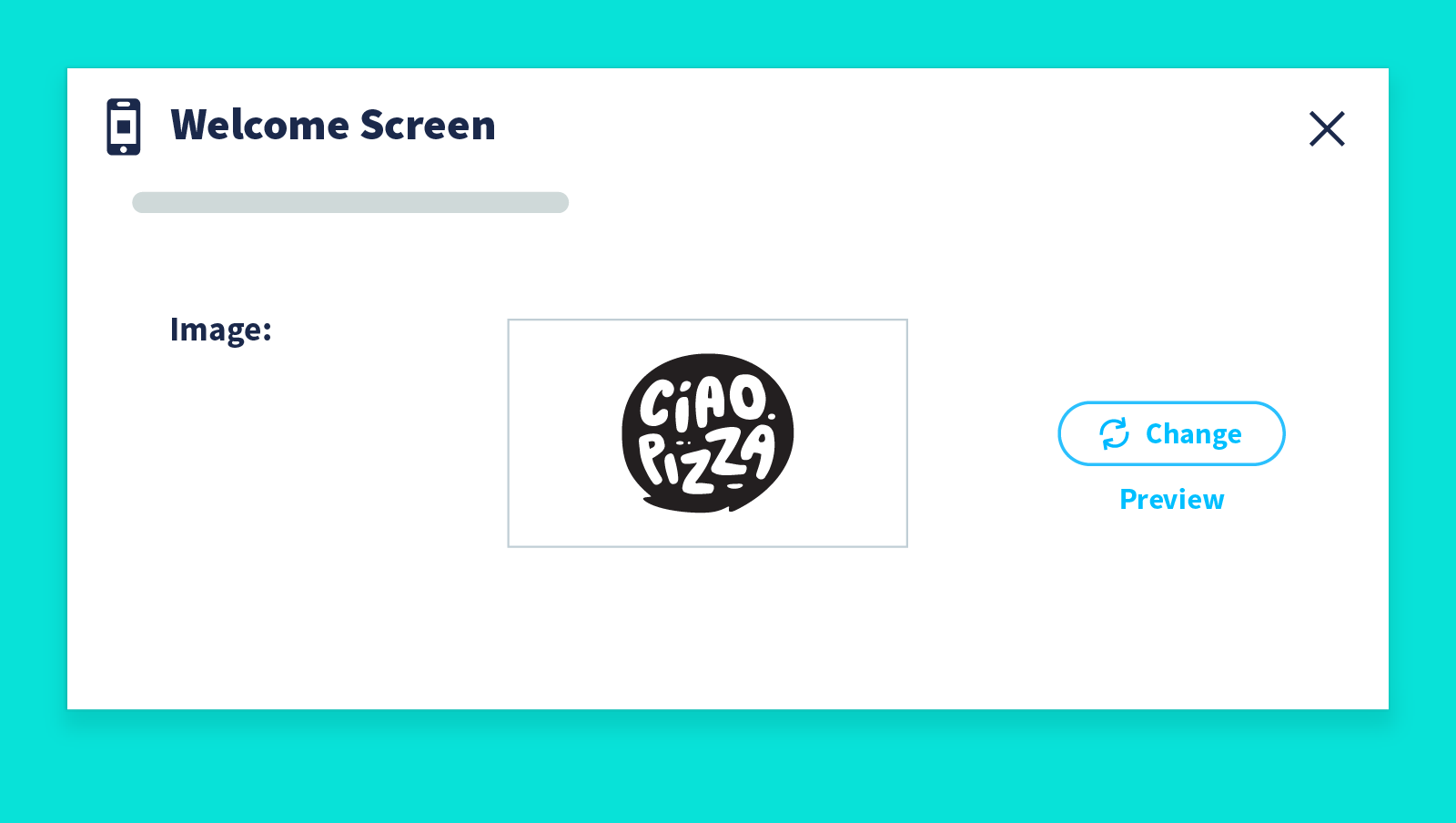
People remember faces better than names. Including a professional headshot on your landing page humanizes your digital presence. If you represent a company, upload your logo to reinforce brand recognition.

A vCard Plus QR Code allows you to display a welcome screen with your image while the page loads. This polished visual experience builds trust and makes your digital card feel like a premium product.
Some tips for QR Code business card designs

A QR Code is a functional tool, but it also needs to fit your brand aesthetic. A poorly designed code can look messy or fail to scan. Follow these best practices to ensure your business card design looks professional and functions perfectly.
- Mind the Size: Your QR Code must be scannable. If you print it too small, some phone cameras will struggle to read it. We recommend a minimum size of 1 x 1 inch (2.5 x 2.5 cm).
- High Contrast is Key: Scanners read the contrast between the dark pixels and the light background. A black code on a white background is the most reliable option. Avoid using light yellow or pastel colors for the code pattern.
- Include a Call to Action: Don’t just drop a code on the back of your card without context. Add a short frame or text that says “Scan for Portfolio” or “Save My Contact Info.” This tells the user what to expect.
- Leave White Space: Every QR Code requires a “quiet zone” or margin around the edges. Do not print text or images directly touching the code, as this can confuse the scanner.
- Test Before Printing: This is the most critical step. Print a sample of your card on regular paper. Scan it with multiple devices (iPhone and Android) to ensure it directs to the correct URL and loads quickly.
Use High-Quality Files: Always download your QR Code in a vector format (like SVG) or as a high-resolution PNG. This approach ensures the lines remain crisp and sharp when printed. Blurry or pixelated codes look unprofessional and may not function.

Make the most of networking opportunities with QR Code Generator PRO
Your business card provides the first impression you make on a potential client. In a competitive market, you cannot afford to leave an outdated impression. You need a solution that works every single time you hand it out. Reliability matters.
QR Code Generator PRO gives you the tools to create high-quality, scannable codes that elevate your professional image. With Dynamic QR Codes, you gain the flexibility to update your information instantly without reprinting. You get access to real-time analytics to see how many people are actually scanning your card. And you can customize your code with your brand colors and logo to ensure it fits your design perfectly.
Start making connections that last. Sign up for QR Code Generator PRO today and transform the way you network.





 Add custom colors, logos and frames.
